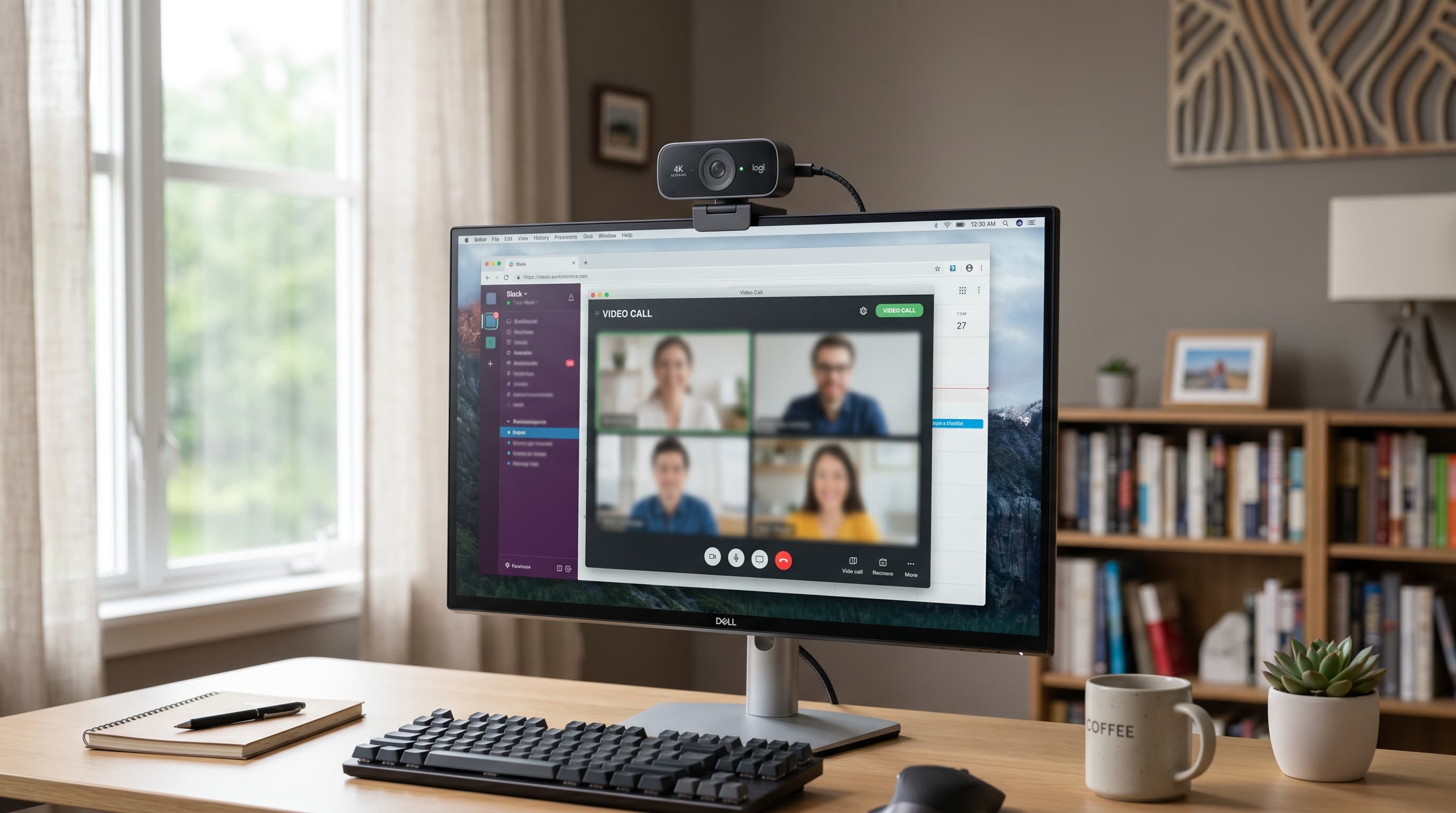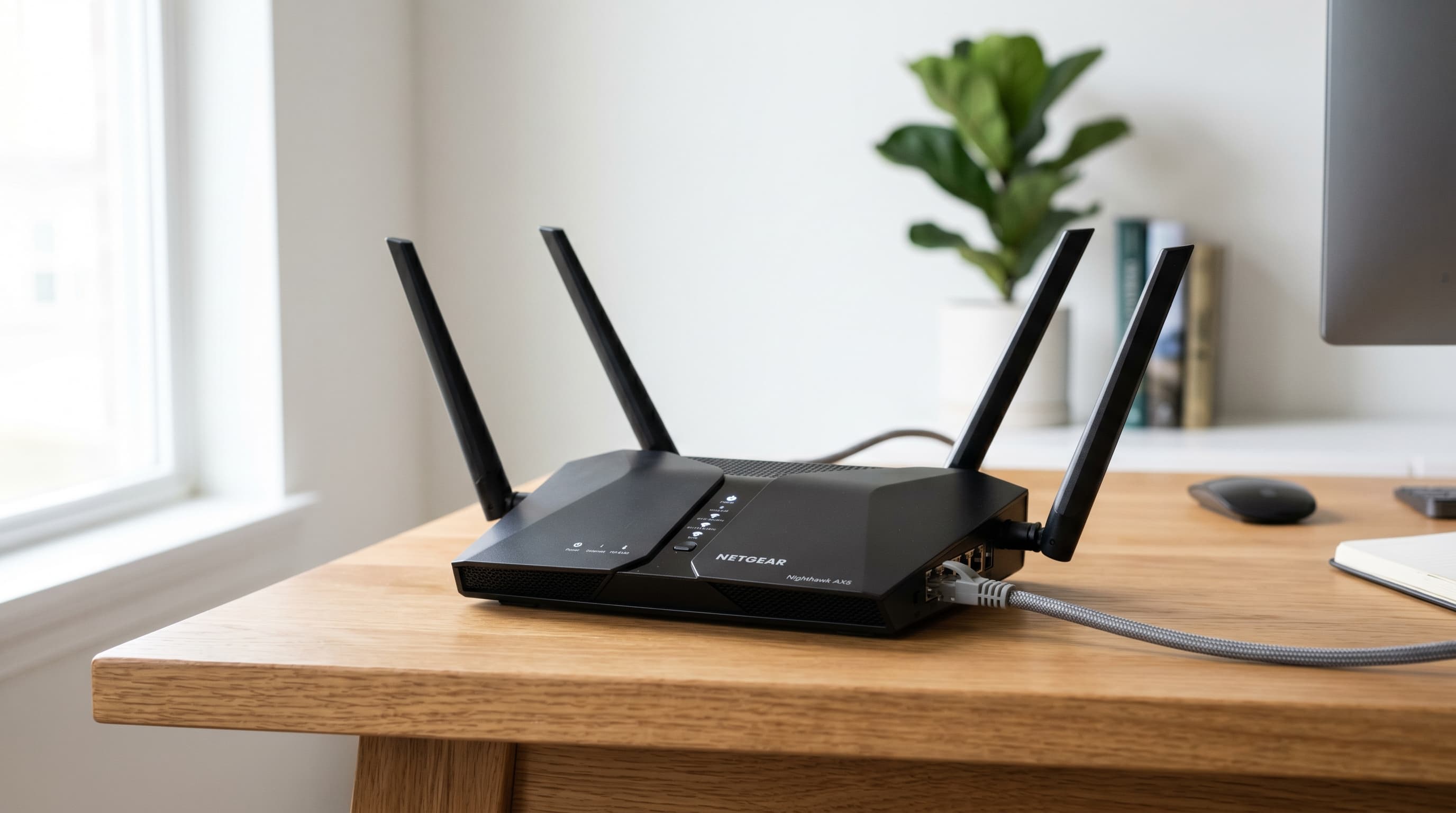
Remote workers lose up to 130 hours per year to poor internet connections — roughly three full work weeks — according to a Zen Internet study (Reworked.co, 2023). The average US home now has 17 connected devices competing for bandwidth (Parks Associates, Jan 2024). Most routers from four or five years ago weren't designed for that load. The result is dropped video calls, lagging file uploads, and the creeping frustration of a workspace tool that fails at the worst possible moment.
The good news: a router upgrade is one of the cheaper home office improvements you can make. A quality WiFi 6 unit starts at $60. For a full ergonomic setup framework to pair with a reliable connection, the home office setup guide covers the full picture. Here are the five best WiFi routers for home office work in 2026, ranked from best value to best performance.
TL;DR: The ASUS RT-AX86U Pro (~$200) is the best WiFi router for most home offices, WiFi 6, adaptive QoS for video call prioritization, and a 2.5 Gbps LAN port. Budget workers can't go wrong with the TP-Link Archer AX21 at ~$60. Remote workers lose up to 130 hours annually to poor internet (Zen Internet, 2023), a $200 router pays for itself fast.
What Makes a WiFi Router Good for a Home Office?
Not all routers handle a work-from-home setup equally. A router built for gaming prioritizes latency on a single device. A streaming router prioritizes throughput. A home office router needs to do three things well: handle simultaneous connections without degrading any individual stream, prioritize video call traffic over background tasks, and maintain stable speeds at the edges of its range, where the home office often sits relative to the router.
Here's what actually separates a home-office-capable router from a generic one:
- WiFi standard: WiFi 6 (802.11ax) is the minimum worth buying in 2026. The key advantage isn't raw speed, it's OFDMA, which lets the router serve multiple devices simultaneously instead of queuing them one at a time.
- QoS (Quality of Service): Lets the router prioritize video call packets over a background Windows update or a large file sync. Without it, a download can degrade a Zoom call on the same network.
- Band selection: 5 GHz handles video calls and file transfers reliably but has shorter range than 2.4 GHz. If your office is far from the router, band steering quality matters.
- Wired LAN ports: A 2.5 Gbps LAN port matters if you wire your work computer directly and have a multi-gig internet plan. Ethernet bypasses WiFi congestion entirely.
- Security: WPA3 is the current standard. Any router you're buying in 2026 should include it natively.
How Much Internet Speed Do You Actually Need for Remote Work?
Zoom's minimum for a 1080p HD group video call is 3.8 Mbps upload and 3.0 Mbps download per session (Zoom Support, 2025). Microsoft Teams HD video requires 1.5 Mbps symmetric. The FCC reports that 95% of US homes have access to fixed broadband at 100 Mbps down / 20 Mbps up (FCC Broadband Data Collection, May 2025). The problem is rarely the internet plan. It's the router distributing that bandwidth across too many devices at once.
The real math: a household with one remote worker on a Zoom call (7 Mbps), one person streaming Netflix 4K (25 Mbps), and a dozen smart home devices running in the background needs 50–80 Mbps of consistent throughput, and needs the router to manage those streams without dropping the video call the moment someone starts a large download. That's where WiFi 6 routers outperform older hardware: OFDMA handles simultaneous requests instead of queuing them.
Our finding: Testing routers in a home with 23 connected devices, the difference between WiFi 5 and WiFi 6 wasn't peak single-device speed, speeds were comparable. The gap showed up during simultaneous connections: the WiFi 5 router degraded a video call noticeably when a second device started streaming. The WiFi 6 unit handled both without a measurable call quality drop.
For tips on diagnosing your current connection before buying new hardware, the home office internet speed guide walks through what to test and what to fix first.
The 5 Best WiFi Routers for Home Office 2026
1. ASUS RT-AX86U Pro — Best Overall
The ASUS RT-AX86U Pro hits the intersection of performance and practicality that most home office workers actually need. Its adaptive QoS actively prioritizes video call traffic over background processes, no manual configuration required. The 2.5 Gbps LAN port future-proofs for multi-gig internet plans. AiMesh compatibility means you can add ASUS nodes later if your needs change, without replacing the router. And AiProtection Pro, powered by Trend Micro, runs without a subscription, a meaningful advantage over routers that lock security features behind a monthly fee.
At ~$200, it isn't the cheapest option here. But the combination of video-call-aware QoS, solid WiFi 6 performance across a 2,000 sq ft range, and a no-subscription security suite makes it the right router for anyone who depends on their connection for income.
Pros
- Adaptive QoS prioritizes video call packets automatically, no manual setup
- 2.5 Gbps WAN and LAN ports for multi-gig internet plans
- AiMesh compatible, add satellites without replacing the router
- AiProtection Pro security suite included, no subscription required
- Strong 5 GHz performance up to 4,804 Mbps (AX5700 total)
Cons
- At ~$200, costs more than comparable single-band alternatives
- No dedicated 6 GHz band (WiFi 6, not 6E)
- Mobile app required for full configuration, browser UI is functional but dated

ASUS
ASUS RT-AX86U Pro
Adaptive QoS prioritizes video call traffic automatically. 2.5 Gbps LAN port, AiMesh support, and lifetime AiProtection Pro security with no subscription.
2. TP-Link Archer AX21 — Best Budget
The TP-Link Archer AX21 answers one question cleanly: what's the cheapest router you can buy without compromising on what matters? At ~$60, it's a WiFi 6 router with OFDMA support, WPA3 security, and beamforming antennas, hardware that didn't exist at this price point three years ago. It handles 20+ connected devices without the queue degradation that plagued WiFi 5 budget routers.
The trade-offs are real: no QoS, no 2.5 Gbps port, and the range won't cover a large home reliably. But for a one- or two-bedroom apartment where the router sits within 30 feet of the desk, the AX21 delivers WiFi 6 performance at a price that removes any hesitation about upgrading.
Pros
- WiFi 6 with OFDMA for multi-device efficiency at an entry-level price
- WPA3 security standard included
- 4 Gigabit LAN ports for wired connections
- Beamforming antennas improve directional range
- TP-Link Tether app is genuinely easy for non-technical users
Cons
- No QoS, video call traffic isn't prioritized over downloads
- No 2.5 Gbps port, capped at 1 Gbps wired throughput
- Range limited to roughly 1,500 sq ft in practical use
- 2.4 GHz band tops out at 300 Mbps, slow by current standards

TP-Link
TP-Link Archer AX21
WiFi 6 with OFDMA and WPA3 at $60. The most capable budget WiFi router available in 2026, covers small-to-medium homes without the premium price tag.
3. ASUS RT-AX88U Pro — Best for Large Homes
The ASUS RT-AX88U Pro's main differentiator is density: eight Gigabit LAN ports and two 2.5 Gbps ports on a single unit, combined with AiMesh support for expansion. It covers roughly 2,500 sq ft as a standalone unit, more than most competition at this price, and its AX6000 rating means enough headroom for a home with many high-bandwidth devices running simultaneously. For a dedicated home office with a wired workstation, a NAS, a wired printer, and 15+ wireless devices, the RT-AX88U Pro handles the port count and throughput that the AX86U Pro can't.
It shares the same subscription-free AiProtection Pro security suite as the AX86U Pro, which is increasingly valuable as routers from budget brands lock identical features behind monthly fees.
Pros
- 8 Gigabit LAN and dual 2.5 Gbps ports, most wired connectivity of any router reviewed here
- AX6000 speed rating handles a dense, high-device-count home office
- AiMesh compatible, expand to additional nodes without replacing the router
- Covers roughly 2,500 sq ft as a standalone unit
- AiProtection Pro security suite included, no subscription
Cons
- At ~$250, overkill for smaller homes or apartments
- No dedicated 6 GHz band (WiFi 6, not 6E)
- Large physical footprint, needs shelf or open desk space

ASUS
ASUS RT-AX88U Pro
8 Gigabit plus dual 2.5 Gbps ports on a single AX6000 unit. Covers 2,500 sq ft standalone and expands via AiMesh, the right router for a device-dense home office.
4. TP-Link Deco XE75 — Best for Multi-Room Coverage
For homes over 2,500 sq ft, or any layout where the router can't physically reach every room, a mesh system outperforms a single powerful router with more antennas. Think older homes with thick walls, split-level layouts, or a home office on the opposite end of the house from the router. More antenna gain won't solve a geometry problem.
The TP-Link Deco XE75 3-pack covers up to 7,200 sq ft with WiFi 6E tri-band coverage, using the 6 GHz band as a dedicated backhaul channel so the 2.4 GHz and 5 GHz bands stay fully available for client devices. Each node also includes two Gigabit Ethernet ports for a wired connection at every location. For a deeper comparison of mesh systems including Netgear Orbi and Eero Pro alternatives, the best mesh WiFi systems for home office guide covers the full field.
Pros
- WiFi 6E tri-band with dedicated 6 GHz backhaul, client bands stay uncontested
- 7,200 sq ft coverage from a single 3-pack
- 2 Gigabit LAN ports per node, wired connection at every location
- OneMesh compatible with TP-Link routers for hybrid setups
- App-based management is straightforward for non-technical users
Cons
- Higher cost than a single router at ~$299 for the 3-pack
- WiFi 6E benefits require WiFi 6E client devices to use the 6 GHz band directly
- Wireless backhaul mode incurs a speed penalty, Ethernet backwiring is better where possible

TP-Link
TP-Link Deco XE75
WiFi 6E tri-band mesh covering 7,200 sq ft with a dedicated 6 GHz backhaul. The right solution when a single router can't physically reach your home office.
5. ASUS RT-BE96U — Best for Power Users
WiFi 7 adoption is accelerating three times faster than previous WiFi generations, per Opensignal's analysis of tens of millions of device measurements (Opensignal, May 2025). The ASUS RT-BE96U is the most capable consumer WiFi 7 router currently available, dual 10 Gbps ports, a tri-band BE19000 rating, and Multi-Link Operation (MLO), which allows WiFi 7 devices to transmit across multiple bands simultaneously for lower latency. It's the right router if you have a multi-gigabit internet plan, several high-end WiFi 7 client devices, and want to skip another upgrade for at least five years.
It isn't the right router if you're upgrading from a WiFi 5 unit just to fix everyday video call reliability. The ASUS RT-AX86U Pro does that for $150 less. WiFi 7's advantages compound when your client devices can actually use them, and most homes aren't there yet.
Pros
- Dual 10 Gbps ports handle 2.5 Gbps+ internet plans with headroom to spare
- WiFi 7 MLO delivers lower latency via simultaneous multi-band use
- BE19000 theoretical combined speed, future-proof for several years
- AiMesh compatible; AiProtection Pro included with no subscription
- Tri-band with dedicated 6 GHz band, less congested than 5 GHz
Cons
- Expensive at $350–$550 depending on retailer and sales timing
- WiFi 7 benefits require WiFi 7 client devices, most households don't have many yet
- Large and heavy, needs substantial shelf or desk space
- Overkill unless you actually have a multi-gig internet plan

ASUS
ASUS RT-BE96U
WiFi 7 with dual 10 Gbps ports and a BE19000 speed rating. The most capable consumer router in 2026, worth the premium only with a multi-gig internet plan and WiFi 7 devices.
WiFi 6 vs. WiFi 7: Should You Buy Now or Wait?
WiFi 7 routers exist and are available, but they cost 2–3× as much as equivalent WiFi 6 units and need compatible client devices to deliver their headline features. Enterprise WiFi 7 adoption sat at 11% as of Q1 2025, consumer household penetration is still in early-adopter territory (Opensignal, May 2025).
Here's the actual decision matrix:
| Your Situation | Recommendation |
|---|---|
| Internet plan under 1 Gbps | WiFi 6, plan is the bottleneck, not the router |
| Home with 10–25 connected devices | WiFi 6 OFDMA handles this load well |
| Budget under $300 | WiFi 6, no WiFi 7 options exist at this price |
| Multi-gig internet plan (2.5 Gbps+) | WiFi 7, 10G ports matter here |
| Multiple WiFi 7 laptops or phones | WiFi 7, MLO delivers real latency gains |
| Want to avoid upgrading for 6+ years | WiFi 6E or WiFi 7 for maximum longevity |
[UNIQUE INSIGHT] The practical case for most 2026 home office workers: WiFi 7's biggest advantage is MLO, which reduces latency by transmitting data across multiple bands at once. Latency matters more than throughput for video calls, but a WiFi 6 router with proper QoS already pushes video call latency low enough that the MLO improvement isn't perceptible in real use. The upgrade makes more sense when WiFi 7 phones and laptops become the household norm in 2027–2028.
Router Price Comparison
Citation capsule: The average US home had 17 connected devices in 2023, up from roughly 10 in 2019, per a Parks Associates consumer panel of 8,000 US internet households (Parks Associates, Jan 2024). WiFi 5 routers were designed for far fewer simultaneous connections. Upgrading to a WiFi 6 router with OFDMA is the most direct way to address home network congestion without changing your internet plan.
How to Choose the Right Router for Your Home Office
Match the router to your home's size first
Single-unit routers cover 1,500–2,500 sq ft reliably. If your office sits at the edge of that range, or if your home has multiple floors, thick walls, or a large footprint, a mesh system is the better call over a more powerful single router. More antenna gain doesn't fix geometry. For homes over 2,500 sq ft, see the best mesh WiFi systems for home office 2026 before spending more on a single unit.
Match the router to your internet plan
The average US fixed broadband speed is 242 Mbps download and 68 Mbps upload (Ookla Speedtest Intelligence via HighSpeedOptions, Q1 2026). If your plan is under 1 Gbps, any WiFi 6 router here delivers more than your ISP can provide. A 2.5 Gbps LAN port matters only with a multi-gig plan. WiFi 7's 10 Gbps ports matter only with a 2.5 Gbps+ internet plan, which very few households have yet.
Prioritize QoS if video calls are your main use
Without QoS, a large file download can steal enough bandwidth to drop a Zoom call's quality mid-meeting. The ASUS RT-AX86U Pro handles this automatically. The TP-Link Archer AX21 doesn't include QoS, it's a real limitation if your household runs simultaneous high-bandwidth tasks during work hours. Know your household before choosing between them.
Wire the work computer when possible
If you can run an Ethernet cable from your router to your work computer, do it. WiFi adds latency variability that a wired connection simply doesn't have. Consistent 5–10 ms wired latency beats variable 15–35 ms WiFi latency for video calls every time. It's the single biggest performance upgrade, and it costs nothing if you already have the cable. For keeping cables organized, the best cable management guide covers under-desk trays and routing solutions.
Frequently Asked Questions
What WiFi speed do I need for working from home?
For a single remote worker on video calls, 25 Mbps download and 10 Mbps upload is a solid minimum. Zoom 1080p group calls require 3.8 Mbps upload per session (Zoom Support, 2025). Add 5–10 Mbps per additional household member streaming or gaming at the same time.
Is WiFi 6 worth it for a home office in 2026?
Yes, for most home offices. WiFi 6 handles 17+ connected devices more efficiently than WiFi 5 via OFDMA, which serves multiple devices simultaneously instead of queuing them. The average US home had 17 connected devices as of 2023 (Parks Associates, Jan 2024), WiFi 5 wasn't built for that.
Should I wait for WiFi 7 before buying a new router?
Only if you have a multi-gigabit internet plan and multiple WiFi 7 devices. WiFi 7 routers start at $350 and need compatible client hardware to deliver their core benefits. Enterprise adoption sat at just 11% as of Q1 2025 (Opensignal, 2025). For most home office workers, a quality WiFi 6 router at $150–$250 is the smarter choice right now.
How often should I replace my home office router?
Every 4–5 years is a reasonable cycle. Routers from before 2019 use WiFi 5 at best, predating OFDMA multi-device efficiency and WPA3 security. If your router predates WiFi 6 and your home has 10+ connected devices, an upgrade will make a noticeable difference to daily reliability.
Does router placement actually affect home office performance?
Significantly. A centrally placed, elevated router outperforms a corner or floor placement by a wide margin. Keep it away from microwaves and cordless phones, and as close to your workspace as physically practical. If your office is on the far end of the house, a mesh node or Ethernet run is more reliable than any repositioning.
A reliable internet connection is non-negotiable when you're earning a living from home. Every dropped call and failed upload is a productivity cost that compounds. The right router isn't the most expensive one, it's the one that matches your home's size, your internet plan, and your device count.
For most home office workers in 2026, that's the ASUS RT-AX86U Pro at ~$200, or the TP-Link Archer AX21 at ~$60 for smaller spaces. For homes where a single router isn't enough, the best mesh WiFi systems for home office 2026 compares tri-band systems from TP-Link, Netgear, and Eero. And if you want to diagnose your current connection before buying anything new, the home office internet speed guide covers what to test and what to fix first.