Most home offices are lit the way living rooms were lit in 1995: one ceiling fixture, one table lamp, and whatever daylight manages to creep in. That's a problem. Your brain and eyes are doing serious work at that desk, and light quality has a direct, measurable effect on focus, eye comfort, and even how well you sleep after a long session.
This guide walks through how to think about home office lighting — not just which lamp to buy. You'll learn why layering matters, how to use natural light without fighting it, what that "K number" on your bulbs actually means, and which five upgrades make the biggest real-world difference.
If you're also figuring out your broader work from home productivity setup, lighting is one of the fastest wins on the list.
TL;DR: A single overhead light typically delivers just 100–200 lux at desk level — less than half the 300–500 lux the Illuminating Engineering Society recommends for office work (IES). Fixing this means adding task lighting, using natural light strategically, and choosing the right color temperature for the time of day.
Why One Overhead Light Isn't Enough for Home Office Work
The Illuminating Engineering Society recommends 300–500 lux at the task surface for sustained office work (IES). A standard residential ceiling fixture delivers roughly 100–200 lux at desk level, less than half that threshold. That gap explains why so many home office workers end up with headaches, tired eyes, or that vague "something feels off" sensation by mid-afternoon.
Overhead lighting has a structural problem that most people don't think through: it's designed to fill a room, not illuminate a work surface. Light falls off with distance, a fixture eight feet above your head is much further from your desk than a lamp sitting 18 inches away. The math doesn't favor ceiling lights for close-up work, no matter how many bulbs you add to the fixture.
The fix isn't buying a brighter ceiling bulb. It's adding light sources that are physically close to where you work. That's what layered lighting does, it puts the right amount of light exactly where it needs to be, rather than hoping a single source overhead can carry everything.
Citation capsule: The Illuminating Engineering Society (IES) sets the standard for office task lighting at 300–500 lux measured at the work surface. Most residential ceiling lights deliver 100–200 lux at desk height, meaning home office workers relying on overhead light alone are working at roughly half the recommended illuminance level (IES).
What Are the Three Layers of Home Office Lighting?
Designers and ergonomics specialists break lighting into three functional layers: ambient, task, and accent. Each does a different job, and the combination of all three is what makes a workspace feel right rather than merely "lit."
Ambient lighting is your room's base illumination, the general fill light that prevents harsh shadows and makes the space comfortable to occupy. In a home office, this is usually a ceiling fixture, a floor lamp in the corner, or both. It doesn't need to be bright. Its job is to keep the room from feeling like a cave so your eyes don't strain adapting between your bright screen and a dark surround.
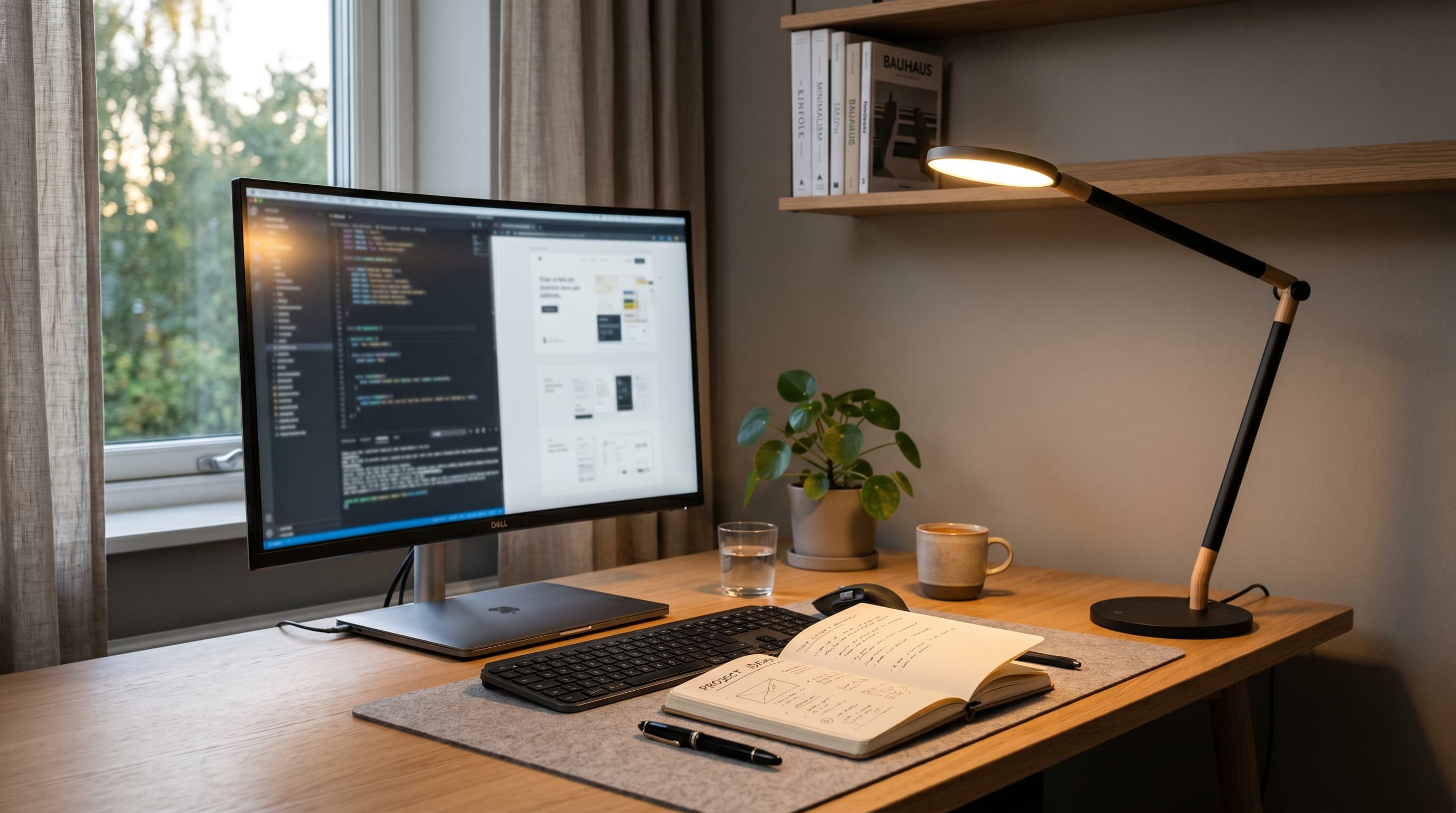
Task lighting is the workhorse. This is light aimed directly at your work surface, your keyboard, notebook, or documents. A desk lamp or a monitor-mounted light bar fills this role. Task lighting needs to be bright enough to hit that 300–500 lux IES recommendation and positioned to avoid bouncing light off your screen.
Accent lighting is optional but genuinely useful, and it's the layer most people underestimate until they try it. After adding a warm lamp to a bookshelf behind my desk, the room stopped feeling like a server closet and started feeling like a place I actually wanted to spend eight hours. That shift in atmosphere is harder to quantify than lux numbers, but it's real and it compounds over a long workday. This includes LED strips behind your monitor (bias lighting), under-shelf lighting that illuminates your desk surface, or a small warm lamp on a bookshelf that adds visual warmth without functional brightness. Accent lighting doesn't solve an ergonomics problem, it solves the "feels sterile and clinical" problem, which matters more than most people admit for motivation and mood during long workdays.
Getting all three layers working together takes two or three light sources, not one. It's also far less expensive than most people expect.
How to Position Your Desk for Natural Light
Natural daylight is the best ambient light source available for any home office, it's spectrally complete, shifts naturally over the course of the day, and has solid research behind it for both mood and alertness. The trick is positioning your desk to use it rather than fight it.
Citation capsule: The optimal desk orientation for natural light is a side-facing window position, perpendicular to the window rather than facing it or sitting with your back to it. This arrangement maximizes daylight exposure on your work surface while keeping direct sunlight and glare off your monitor screen.
The side-window rule is straightforward: position your desk so the window is to your left or right, not directly in front of you or behind you. Facing a window puts sun and sky directly behind your monitor, creating a bright background that makes your screen look dim and forces your eyes to constantly re-adjust. Sitting with your back to the window is slightly better, but it sends daylight over your shoulder straight onto your screen as reflections.
North-facing windows are the best for home offices if you have a choice. They provide consistent, indirect natural light throughout the day without direct sun angles. South-facing windows are the most challenging, intense midday sun creates glare that can make a monitor unusable at certain times without window treatments.
Sheer curtains or cellular blinds are worth the investment if your window situation isn't ideal. They diffuse direct sun into soft ambient light rather than blocking it entirely. A sheer curtain on a bright south-facing window often gives you better working light than a blackout blind that forces you to use artificial lighting all day.
For small home office setups where you don't have full control over desk placement, a monitor light bar compensates well for whatever natural light position you're working with.
Home Office Lighting Ideas by Room Type
The right lighting strategy depends heavily on what kind of space you're working in. Here are four common scenarios and specific ideas for each.
Dedicated room with a window
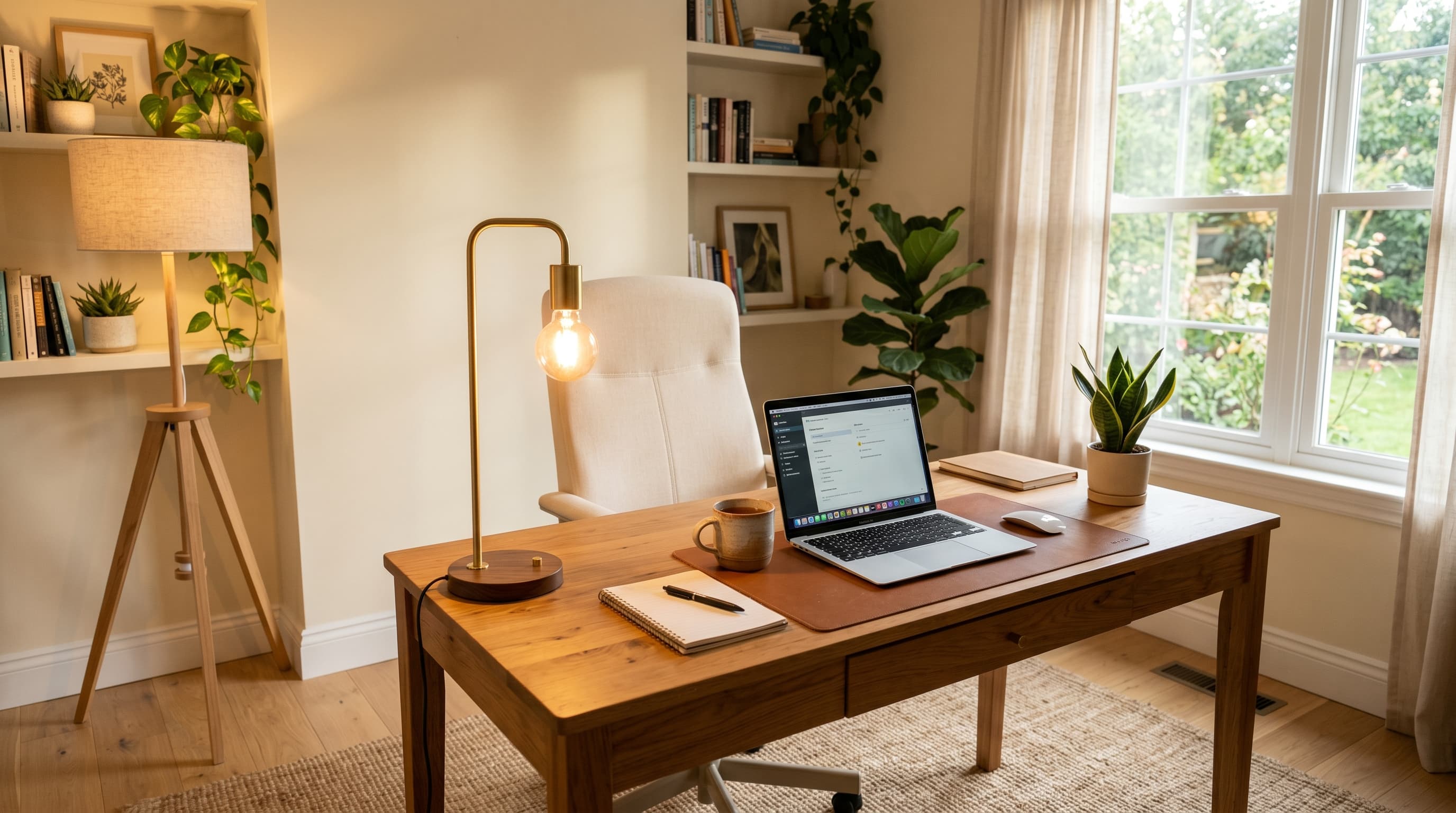
You're in the best position here. Start with the side-window desk placement, add a quality task lamp or monitor light bar, and put a warm floor lamp in the corner opposite your desk for ambient fill. If your ceiling light has a dimmer, set it to around 30–40% during work hours and let your task light do the heavy lifting.
A secondary warm lamp on a side table or bookshelf adds the accent layer and makes the room feel genuinely comfortable rather than just functional. This three-layer setup costs under $200 in most cases and covers every scenario your workday will throw at it.
Shared living space or open-plan
Working from a dining table or living room presents the opposite challenge: too much ambient light from multiple directions, but none of it aimed at your work surface. A monitor light bar solves the task lighting problem without requiring you to rearrange the room's existing lighting.
For ambient control, a small floor lamp positioned just behind and to the side of your seating area creates a personal lighting zone without affecting the rest of the shared space. At the end of your workday, the floor lamp goes off and you're back in a normal living room.
Basement or no natural light
This is the hardest scenario, and it deserves honest advice: no artificial lighting fully replicates natural daylight. That said, you can get close. Use a 5000K full-spectrum LED as your primary ambient source, it's the closest artificial equivalent to midday natural light and has a documented positive effect on alertness compared to warmer bulbs in windowless spaces.
Keep your task light at 4000–4500K rather than matching the 5000K ambient. The slightly warmer task light reduces the all-cool-spectrum fatigue that comes from surrounding yourself entirely with high-Kelvin sources. Add bias lighting behind your monitor to cut screen-to-room contrast.
Bedroom office
Bedroom offices have a specific challenge: the same space needs to support focused work during the day and sleep-conducive conditions at night. That makes color temperature control non-negotiable.
Smart bulbs are particularly valuable here. During work hours, run at 4000K. After 7 PM, drop to 2700K warm white. This transition matters because cool-spectrum light (5000K+) suppresses melatonin production, a real concern for anyone who works into the evening and then tries to sleep in the same room a few hours later.
A focused desk lamp on a dedicated desk corner, rather than relying on the bedroom's general lighting, also creates a physical boundary between "work zone" and "sleep zone", a psychological distinction that supports both productivity and sleep quality.
Color Temperature: What K Number Should Your Home Office Use?
Color temperature, measured in Kelvin, describes the warmth or coolness of a light source. Most ergonomics guidelines recommend 4000–5000K for task lighting in office environments (IES). Here's what the numbers actually mean for your workday.
2700–3000K (warm white) is the color of incandescent bulbs and most table lamps. It's relaxing and cozy, great for an evening floor lamp or accent light, but poor for focused daytime work. You'd feel comfortable but less alert than you would under neutral light.
4000–4500K (neutral white) is the recommended range for task lighting and general home office use. It's bright enough to reduce eye strain on documents and keyboards without the aggressive blue-light content of daylight-spectrum bulbs. Most quality desk lamps and monitor light bars default to this range or let you dial into it.
5000–6500K (cool white / daylight) is high-alertness territory. It's useful in windowless basements and for early-morning work sessions when you need a mental kick-start. The tradeoff is real: evening exposure to short-wavelength (blue-enriched) light suppresses melatonin production, as documented in research from Harvard's Division of Sleep Medicine (Harvard Medical School). Cool-spectrum light in the PM hours is one of the underappreciated reasons home office workers who work late often report poor sleep.
Smart bulbs handle this transition automatically. Philips Hue's "Work" scene runs at 4000K during core hours and steps down to 2700K after a set time. That's genuinely useful rather than gimmicky, especially in bedroom offices where evening light quality carries real stakes.
The simplest rule: daytime task lighting at 4000–4500K, evening ambient at 2700–3000K. That two-step approach covers the vast majority of home office lighting needs without requiring expensive equipment.
The 5 Best Lighting Upgrades for a Home Office
These aren't products ranked on spec-sheet numbers, they're ideas ordered by how much impact they typically deliver relative to cost and effort.
1. Monitor light bar
A monitor-mounted light bar is the single highest-impact upgrade for most home offices. It sits on top of your monitor, illuminates your desk and keyboard with zero screen glare, and takes up no desk space. The asymmetric optical design directs light downward onto your work surface rather than forward onto the panel, a fundamentally better geometry than a traditional desk lamp for this particular job.
The BenQ ScreenBar is the benchmark product in this category. It delivers measured illuminance above the IES 300-lux minimum for task surfaces, includes color temperature adjustment from 2700K to 6500K, and the auto-dimming model maintains consistent light levels as natural light shifts throughout the day.
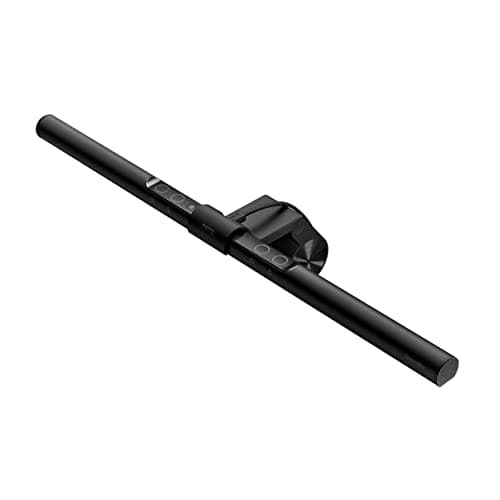
BenQ
BenQ ScreenBar
2. Quality desk lamp
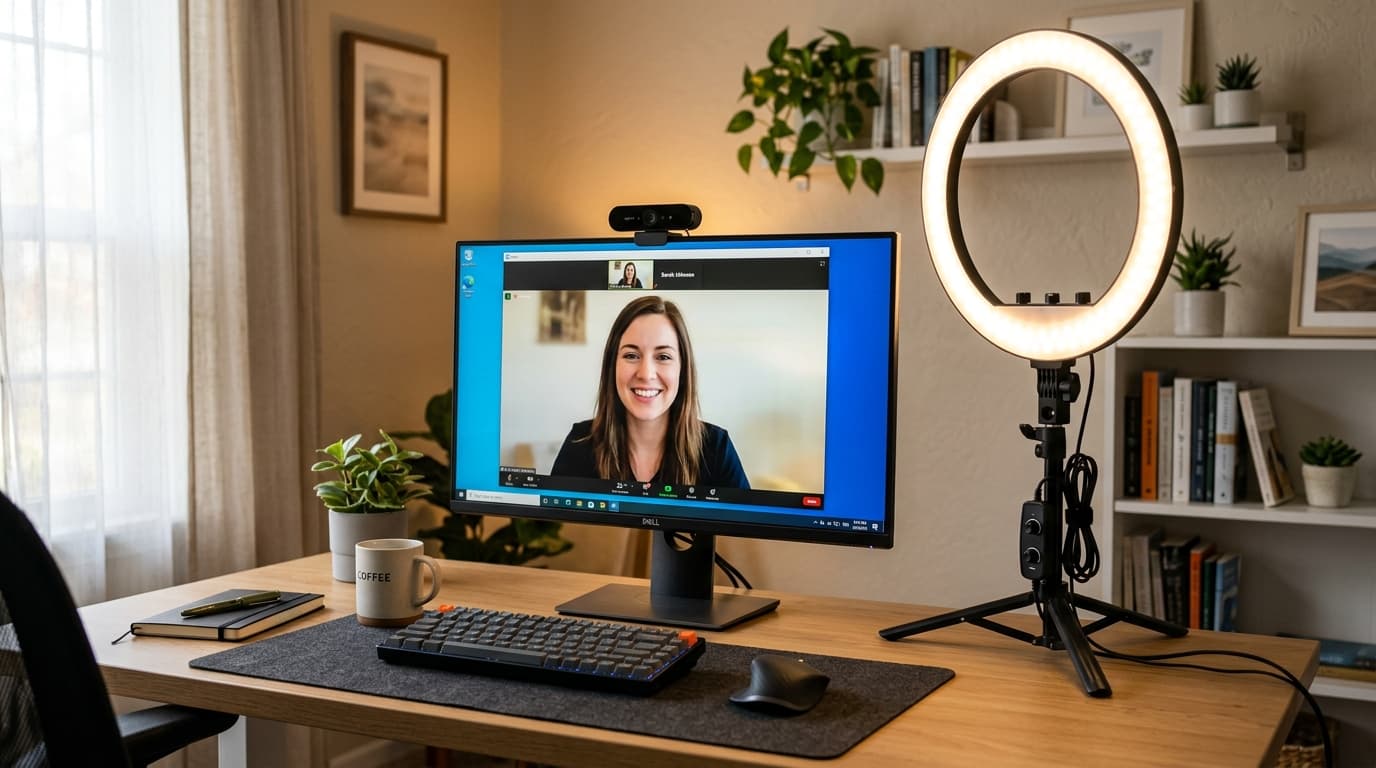
A good desk lamp is the right choice when you want more flexibility than a monitor bar allows, adjustable arm positioning, use at a standing desk, or lighting that serves both task work and fill light for video calls. See our tested guide to the best desk lamps for home office for a full comparison with measured lux data across the top picks.
Look for: CRI of 90+ (how accurately the light renders colors), color temperature control covering at least 3000K–5000K, and at least 400 lumens of output. Arm stability and a weighted base matter more than most spec sheets suggest.
3. LED floor lamp for ambient fill
A simple arc floor lamp with a warm LED bulb handles the ambient layer without complicating your desk setup. Position it in the corner behind and beside your desk to create soft background fill. This is the change that makes a home office feel like a designed space rather than a room you happen to work in.
Budget: you don't need to spend much here. A $40–60 floor lamp with a 2700K smart bulb does the job well. The value is in having a separate, controllable ambient source, not in the lamp's design or features.
4. Smart bulbs for color temperature control
If you upgrade only one thing in your overhead or ambient lighting, make it a smart bulb with a tunable color temperature range. Philips Hue White Ambiance bulbs cover 2200K–6500K and integrate with schedules so your light transitions happen without you thinking about them.
This matters most for workers with inconsistent hours, early starts, late finishes, or evening catch-up sessions. A fixed 5000K ceiling bulb is a reasonable choice for a strict 9-to-5 in a room you leave at day's end. It's a worse choice for a bedroom office or anywhere you spend evening time.
5. LED bias lighting strip behind your monitor
Bias lighting is the most underrated upgrade on this list. A strip of LEDs behind your monitor raises the background luminance around your screen, reducing the harsh contrast between the bright panel and the dark wall behind it. That contrast drives a significant share of eye fatigue during evening screen sessions.
Install a 6500K LED strip behind your monitor, set it to around 10% of your screen's peak brightness, and you've created a soft halo that makes extended viewing noticeably more comfortable. Govee and Elgato both make plug-and-play options. Total cost: $20–40.
High impact, very low cost, and it takes about ten minutes to install, one of the easiest lighting wins in any setup.
Lighting is one of those things that's almost invisible when it's right. You stop noticing it because your eyes aren't fighting anything, the desk is bright enough, the background isn't harsh, and the color temperature matches where you are in the day. That's the goal: a workspace where light disappears and work takes over.
Start with a monitor light bar or a quality desk lamp if you're only doing one thing. Add an ambient floor lamp when you're ready for the next step. Layer in smart bulbs if you work irregular hours. The full setup takes three sources and a bit of positioning, and it will change how your workday feels more than almost any other single upgrade you can make.