Nearly 22.9% of U.S. workers teleworked in Q1 2024, according to the Bureau of Labor Statistics — and most of them didn't get a corporate IT team to furnish their spare bedroom. If you're setting up a home office on a real-world budget, $500 is a workable number. Not a fantasy, not a compromise. With the right priorities, you can build a setup that's genuinely comfortable and productive from day one.
This guide tells you exactly what to buy, what to skip, and where to find the best deals. We'll also cover the natural upgrade path for when the budget loosens up.
TL;DR: You can build a functional, ergonomic home office for roughly $500 by focusing on chair, desk, and monitor — in that order. Workers with poor setups have 2x the odds of developing neck and back pain (PMC, 2024), so spend most of your budget where your body pays the price.
What Can You Actually Get for $500?
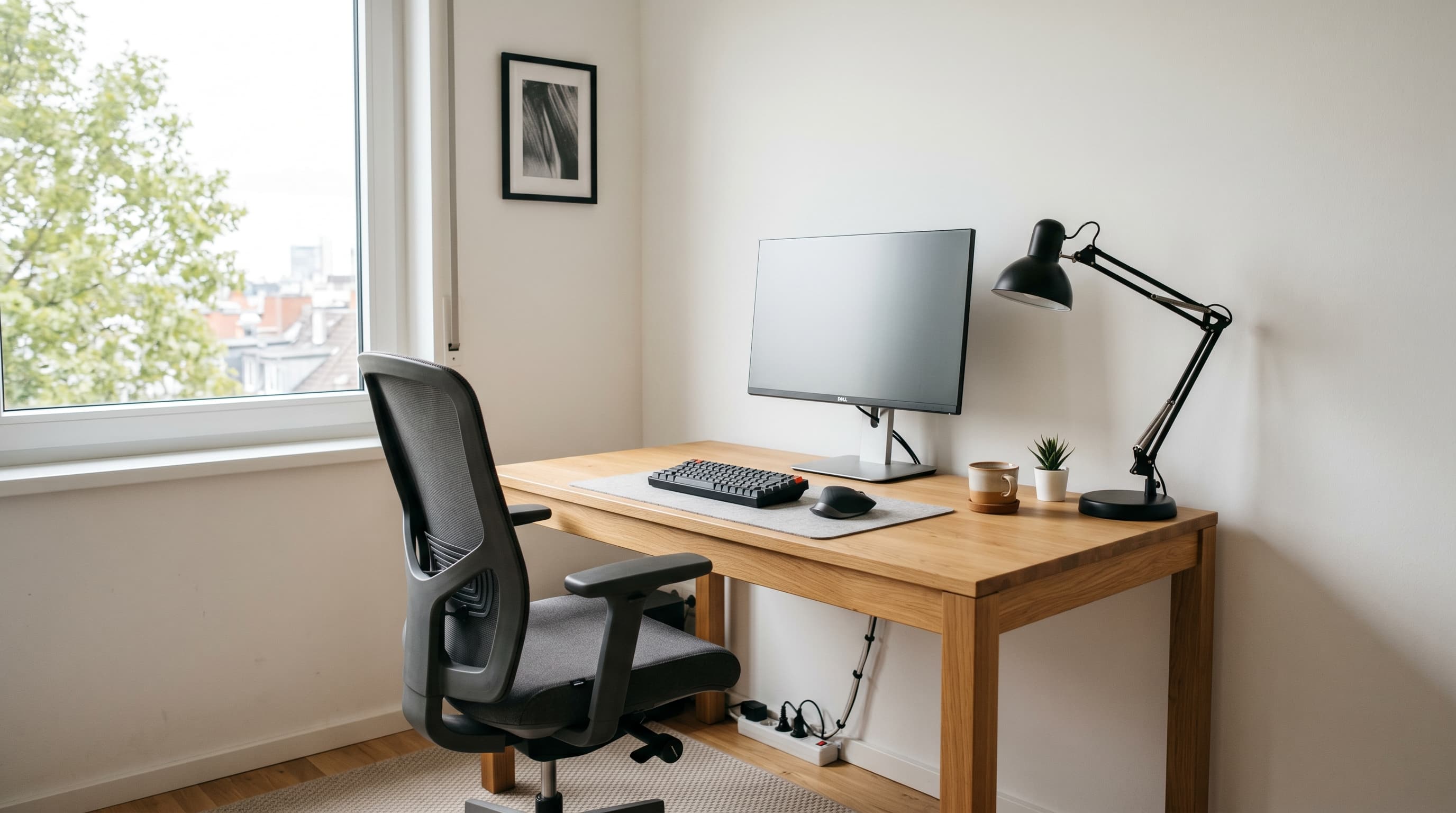
At $500, you're not shopping for dream-setup gear, but you're not stuck with junk, either. A purpose-built budget allocation gets you a real desk, a real ergonomic chair, and a real external monitor. That's the core trifecta that separates a productive home office from working at a kitchen table.
Here's how a smart $500 budget breaks down:
| Category | Product | Price |
|---|---|---|
| Desk | IKEA BEKANT | ~$180 |
| Chair | Autonomous ErgoChair Jr | ~$169 |
| Monitor | LG 27" 1080p | ~$150 |
| Desk Pad | Knodel Desk Pad | ~$15 |
| Cable Tray | Vevor Cable Tray | ~$20 |
| Total | ~$534 |
Yes, that's $34 over. That's fine. The goal is smart allocation, not hitting a round number. Buy the desk used from Facebook Marketplace or OfferUp and you'll likely land under $500 with cash to spare. Skip the monitor if you're working from a laptop on a good screen, that's another $150 back in your pocket right away.
The Anker USB hub ($25) is worth adding if your laptop has limited ports, and a Huanuo monitor arm ($30) frees up real desk space and improves screen positioning. Both are easy additions once the core setup is in place.
For a deeper look at desk options at this price point, see our guide to the best standing desks, including which ones are worth stretching the budget for.
Chair and Desk: Buy These First
The order matters more than most people expect. Spend on your chair before your desk, and your desk before your monitor. A 2024 peer-reviewed study of 968 WFH computer workers found that 42.4% reported low back pain, and workers with poor workstation setups had 2x the odds of developing new neck or upper-back pain (PMC, 2024). Your body is the most expensive thing in the room.
Chair first
The Autonomous ErgoChair Jr (~$169) is the honest budget pick. It adjusts for lumbar support, seat height, and armrest position, the three things that matter most for an 8-hour workday. It's not an Aeron. It doesn't need to be. It keeps your back in a supported position, which is the only job it has.
In my experience, people who skip on the chair and spend the savings on a nicer monitor end up buying the chair anyway six months later, after the back pain kicks in. Buy the chair first. You'll thank yourself.
Desk second
The IKEA BEKANT (~$180) is a well-sized work surface that's been a reliable workhorse for home offices for years. It's not exciting. It's sturdy, it's big enough (120cm × 80cm), and it doesn't wobble under normal use. If you find one secondhand, grab it, these go for $60–$100 used regularly.
See our full best office chairs for home office roundup if you want to compare options before committing to the ErgoChair Jr.
Monitor and Accessories: What to Add Next
Once the chair and desk are handled, the monitor is your third priority. 51% of remote-capable employees now work hybrid schedules as of Q2 2025 (Gallup, n=17,660), which means most home office workers need a real screen setup, not just a laptop propped on a stack of books. A proper external display makes a measurable difference in both posture and focus.
Monitor third
If you're on a desktop or have a small laptop screen, the LG 27" 1080p monitor ($150) is plenty sharp for productivity work. Pair it with the Huanuo monitor arm ($30) to position the screen at proper eye level, that alone takes significant strain off your neck throughout the day.
Accessories last
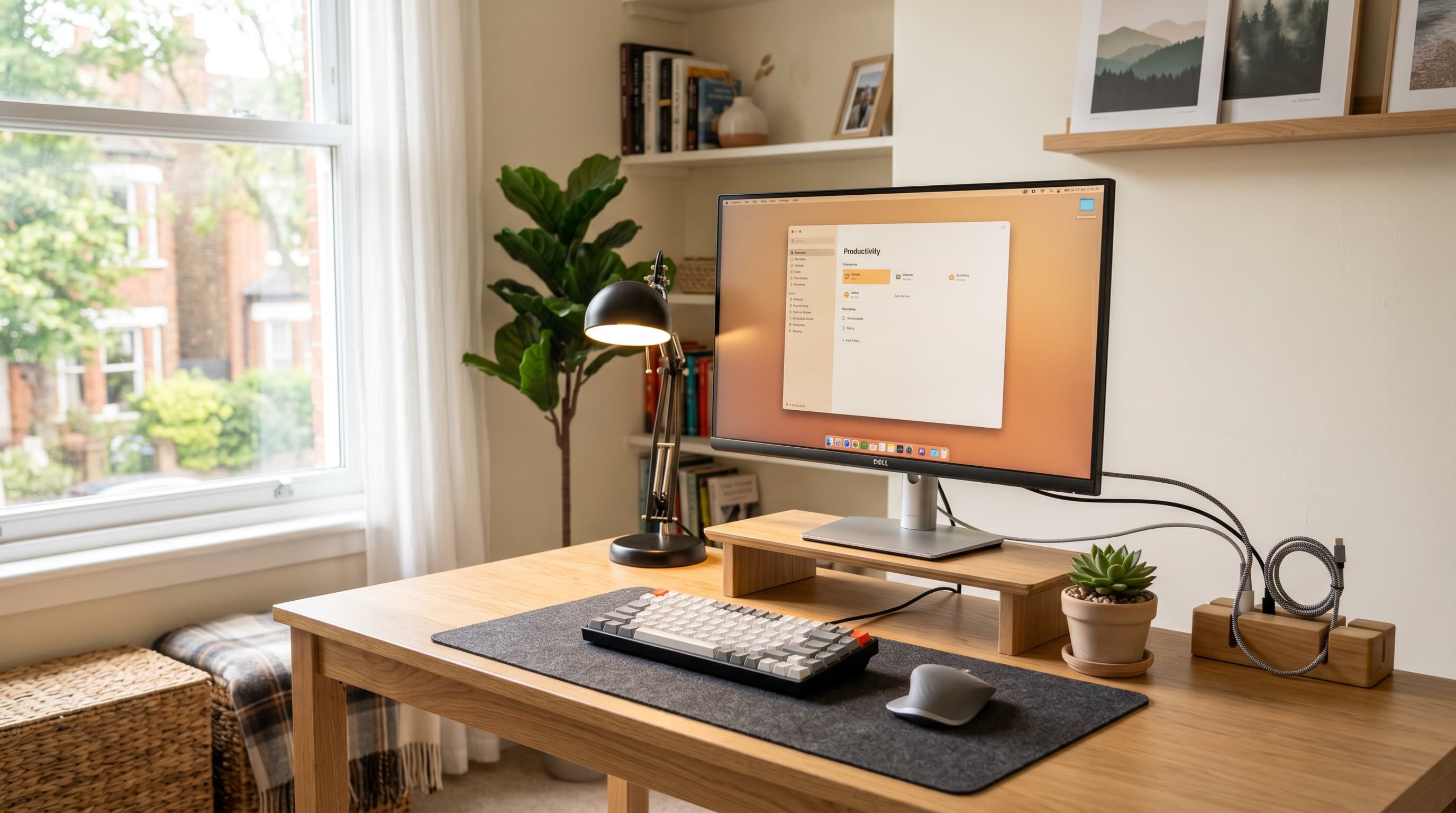
The Knodel desk pad ($15) protects your surface and makes the setup feel cohesive. The Vevor cable tray ($20) cleans up under-desk cable chaos. The Anker USB hub (~$25) solves port headaches. All three are under $60 combined, add them after the big three are covered.
For cable organization tips beyond the tray, our best cable management guide covers the specific products that work best under IKEA desks.
What Can You Skip (For Now)?
Not everything matters at the $500 tier. Some upgrades are genuinely valuable, just not yet. Here's what you can safely leave off the list on day one.
Standing desk. The FlexiSpot E7 is excellent (~$300), but it's an upgrade, not a foundation. A fixed desk from IKEA does the job while you get the rest of your setup dialed in. Add a standing desk later, when it's the clear next bottleneck.
Premium monitor. A 4K or ultrawide display would be nice. But at $500 total, 27" 1080p is more than sufficient for email, documents, video calls, and most productivity work. The LG 27" won't hold you back.
RGB lighting and accessories. Desk LED strips, underglow, ambient backlighting, none of this moves the productivity needle. Skip it entirely at this budget level.
A second monitor. Dual monitors sound great until you're trying to stretch $500 across a whole setup. A single well-positioned 27" display is more productive than two poorly positioned small ones. Add the second screen later.
Premium peripherals. A $30 keyboard and a $15 mouse work fine for most people. Save the mechanical keyboard research for a future upgrade cycle.
Citation capsule: 51% of remote-capable employees work hybrid schedules as of Q2 2025 (n=17,660), per Gallup, meaning most WFH workers split time between home and office and don't need a fully maxed-out home setup to be effective (Gallup, 2025).
Where to Find the Best Deals
Budget setups get dramatically better when you know where to shop. The $534 total in the table above assumes full retail, real savings are available on almost every item.
Facebook Marketplace and OfferUp are the best sources for desks and chairs. IKEA desks in particular show up constantly, often at half price or less. People buy them, move apartments, and sell them. The BEKANT, LINNMON, and ALEX drawer combos all appear regularly. Inspect for scratches, confirm the legs are straight, and you're good.
Amazon Warehouse Deals list returned or lightly damaged monitors at 15–30% off. The LG 27" and similar monitors appear there often. Cosmetic damage on a monitor is usually on the bezel, not the panel, check the listing notes carefully.
IKEA as a default for desks. IKEA's desk lineup is purpose-built for exactly this use case: affordable, functional, reasonably sized. Don't overthink it. The BEKANT is the right call.
Here's something worth checking before you spend anything: many employers offer a WFH equipment stipend, sometimes several hundred dollars per year. Ask HR before buying a single item. The process is usually a quick email and a reimbursement form. The worst they say is no.
Can You Build a Better Setup Over Time?
Yes, and the $500 setup described above is a natural foundation for it. The upgrade path is straightforward: fix the biggest bottleneck at each stage rather than replacing everything at once.
Stage 1 (Day 1): Chair + desk + monitor. This is the $500 setup. It covers everything that directly affects your physical comfort and ability to work.
Stage 2 (~$300 added): Upgrade the chair to the HINOMI H1 Pro (~$200) when you're ready for full lumbar adjustment and breathable mesh. Add the monitor arm at this stage too if you haven't already.
Stage 3 (~$300 more): Replace the fixed desk with the FlexiSpot E7 (~$300). A standing desk at this price point is solid, and the ability to alternate sitting and standing throughout the day has real health benefits, especially once you've already fixed your chair and monitor position.
Stage 4 (optional): Better lighting, a second monitor, upgraded keyboard and mouse, a laptop stand if your primary machine is a laptop, desk organizers to keep the surface clear, and acoustic panels if you're on a lot of video calls. None of these are urgent. They're the polish layer on top of a setup that already works.
The global home office furniture market was valued at $31 billion in 2025 and is projected to reach $50.3 billion by 2034, according to IMARC Group, which tells you something about how seriously people are taking their home workspaces. You don't need to spend like it. You just need to spend smart.
See our best monitor arms guide when you're ready to add a proper arm to your monitor setup.
Frequently Asked Questions
Is $500 enough for a home office?
Yes, for most people. At $500, you can buy a proper ergonomic chair, a full-size desk, and a 27" external monitor, the three items that have the biggest impact on daily comfort and productivity. The key is spending in the right order: chair first, desk second, monitor third.
What's the most important thing to buy first for a home office?
The chair. It's the item your body spends the most time in direct contact with, and poor lumbar support compounds into real pain over weeks and months. Spend at least $150–$200 on a chair with adjustable lumbar support and seat height before allocating budget anywhere else. The Autonomous ErgoChair Jr is the best option at that price.
Can I build a standing desk home office for under $500?
Not comfortably with a full setup. A quality electric standing desk like the FlexiSpot E7 runs around $300 on its own, which leaves only $200 for chair, monitor, and accessories, not enough to do it well. The smarter path: start with the $500 fixed-desk setup, then upgrade to a standing desk as your next purchase when the budget is available.
The Bottom Line
A $500 home office isn't a compromise. It's a deliberate set of choices: chair first, desk second, monitor third, accessories last. That order keeps your body out of trouble while giving you everything you need to work effectively from day one.
You don't need RGB lighting, a standing desk, or a 4K monitor to be productive. You need a chair that supports your back, a desk at the right height, and a screen you can see clearly. Everything else is optional.
Start there. Upgrade later.