A 2024 meta-analysis of 103 studies covering 66,577 participants found that Computer Vision Syndrome affects 69% of computer users worldwide (PMC10785422, 2024). During the COVID-19 era, that figure climbed to 80–94%. Unmanaged screen time cost an estimated $151 billion in US health, productivity, and wellbeing losses in 2023 alone (American Optometric Association, Jan 2024).
Here's the counterintuitive part: most of what people buy and try for eye strain doesn't have strong evidence behind it. Blue light glasses? A Cochrane review of 17 randomized controlled trials says they probably don't help (Cochrane, 2023). Dark mode? A 2024 PMC study found no statistically significant difference in visual fatigue. The 20-20-20 rule? Only 8.8% of users practice it, and evidence for it is weak.
This article covers what the evidence actually supports — 7 specific fixes grounded in the physiology of why eyes strain at screens. The key mechanism to understand first: your blink rate.
Bottom line
The two highest-impact changes are: (1) raise ambient lighting to reduce screen-to-room contrast, and (2) consciously blink more often. Blue light glasses and dark mode don't have strong evidence. Monitor distance and artificial tears do.
TL;DR: 69% of computer users have digital eye strain (PMC, 2024). Blink rate drops 66% during screen use. The most effective fixes: proper ambient lighting, correct monitor distance (20–28 inches), artificial tears, and conscious blinking. Blue light glasses probably don't help (Cochrane 2023, 17 RCTs).
What Is Actually Causing Your Eye Strain?
Research shows blink rate falls from a normal 14–16 blinks per minute to just 4–6 during screen use — a 66% reduction (PMC9434525, 2022). During high-concentration tasks, one study recorded a drop from 18.4 to 3.6 blinks per minute. Each blink refreshes the tear film that lubricates your cornea. Fewer blinks means faster tear evaporation.
That's the primary driver: incomplete, infrequent blinking leading to dry, irritated eyes. Your eyes aren't being damaged by the screen. They're drying out because you've stopped blinking properly.
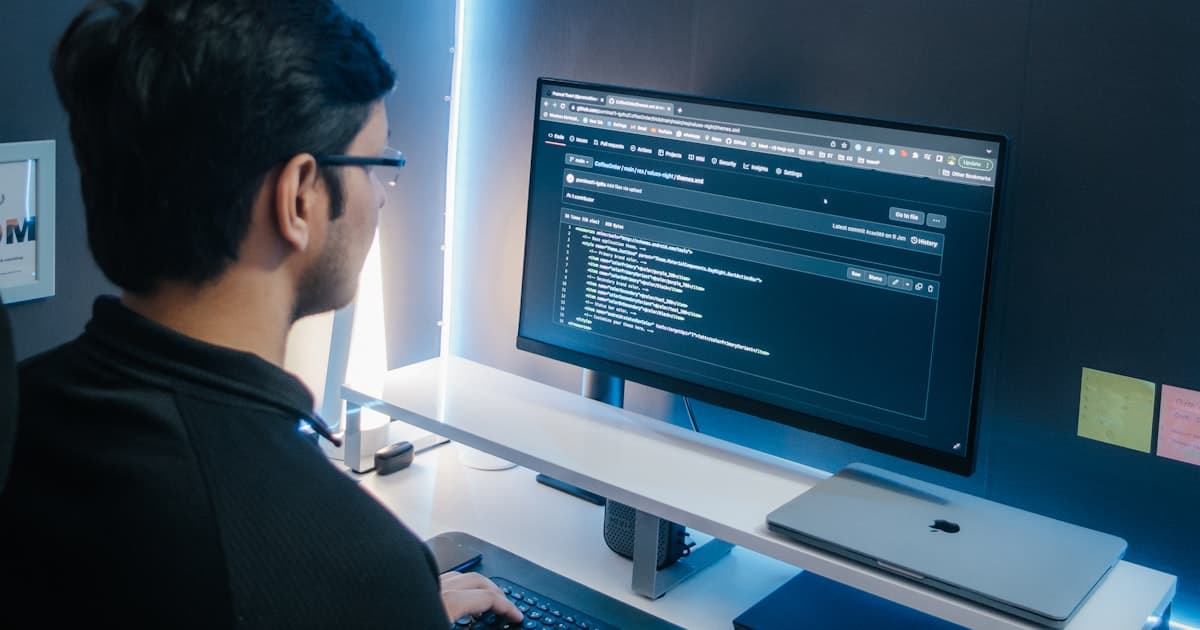
Two secondary causes compound the problem. First, high contrast between a bright screen and a dark surrounding environment forces your pupils into constant adjustment, a form of sustained muscular effort. Second, monitor position matters: screens placed too high force you to look upward, which increases corneal exposure surface and speeds tear evaporation even further.
The most common symptoms back this up. A 2024 meta-analysis found the leading complaints are blurred vision (92%), dry eyes (92%), headache (91%), and eye redness (86%) (PMC10785422, 2024). All of these trace back to tear film disruption and sustained accommodative effort, not to any specific wavelength of light.
Citation capsule: Digital eye strain is primarily driven by reduced blink rate, not blue light exposure. Blink rate drops from 14–16 blinks per minute at rest to 4–6 during screen use, a reduction of approximately 66% (PMC9434525, 2022). This reduction impairs tear film refresh, leading to dry eyes, blurred vision, and the headaches that characterize Computer Vision Syndrome. The mechanism is physiological, not photochemical.
The 7 Evidence-Based Fixes
Fix 1: Raise Ambient Room Lighting
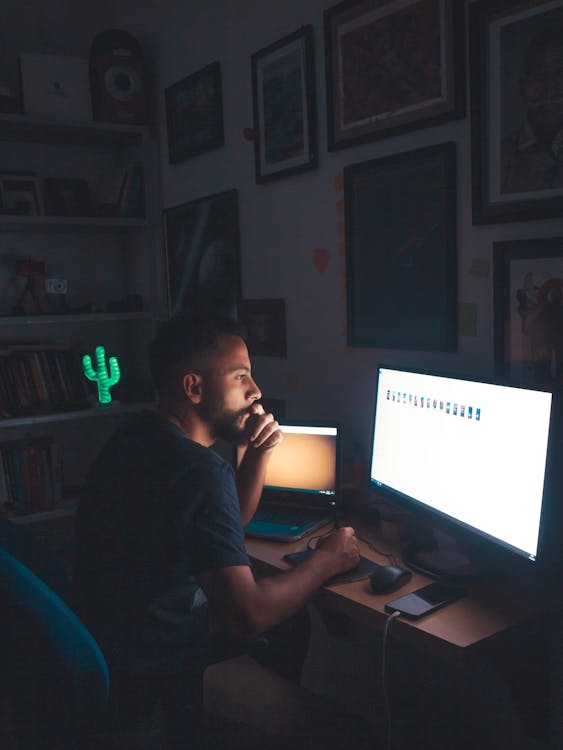
OSHA recommends 215–538 lux for computer workstations. Most dim home offices sit closer to 75 lux. That gap creates the high screen-to-room contrast that forces your pupils to constantly adjust, one of the most overlooked drivers of digital eye strain.
The fix isn't complicated. You want the brightness of your room to roughly match the brightness of your screen. That doesn't mean blinding overhead lights. It means adequate ambient illumination, a well-positioned desk lamp for your home office pointed at the wall behind your monitor works well. Indirect light bounced off a light-colored wall raises the ambient level without adding glare to your screen surface. Avoid pointing light sources directly at the monitor or toward your eyes.
This single environmental change addresses the contrast problem without requiring you to remember to do anything. Once your room is properly lit, it's handled.
Fix 2: Position Your Monitor at 20–28 Inches
The American Optometric Association recommends a viewing distance of 20–28 inches (50–70 cm), with the top of the screen at or just below eye level. Most people sit too close, around 15 inches is common, which forces the eyes to work harder to maintain focus at near distances.

Screen height matters too. Monitors positioned above eye level force you to look upward, which increases corneal exposure surface and accelerates tear evaporation. The top of the screen should be at or slightly below eye level so your gaze angles slightly downward. At 20–28 inches, a 27-inch 1440p or 4K monitor allows comfortable text reading without leaning in or squinting.
Our finding: The distance-and-height fix is one of the few interventions that addresses two mechanisms simultaneously, accommodative strain from working at too close a distance, and increased corneal exposure from looking upward. Most people set their monitor height by aesthetics or desk clearance, not by where their resting gaze naturally falls.
Fix 3: Consciously Blink More Often
This is the most underrated fix on this list. It sounds almost too simple. But blink rate dropping from 15 to 5 per minute is the single most documented physiological change during screen use, and the one most directly linked to dry, strained eyes.
You can't permanently override the reflex that reduces blinking during concentration. What you can do is build micro-habits. A full blink every time you finish reading a paragraph is one approach. Blink reminder apps, Time Out for macOS, Workrave for Windows, prompt you at set intervals. The apps are imperfect, but they interrupt the deep-focus states where blink rate craters most severely.
The goal isn't 15 blinks per minute all day. It's preventing blink rate from staying at 3–4 for hours at a stretch.
Fix 4: Use Preservative-Free Artificial Tears
When consciously blinking isn't enough, or when you're already symptomatic, preservative-free lubricating eye drops directly compensate for the reduced tear film. The key distinction: preservative-free formulations (sold in unit-dose vials or multi-dose bottles with special preservative systems) are safe to use throughout the day. Standard preserved drops cause irritation with frequent use.
Don't reach for "get the red out" drops like Visine. Vasoconstrictor drops shrink blood vessels to reduce redness, but they don't address the underlying dryness, and regular use can cause rebound redness as the vasoconstriction wears off. They solve the cosmetic symptom while potentially worsening the underlying condition.
Use lubricating drops before symptoms appear if you know you're heading into a long screen session. Every 1–2 hours is a reasonable starting frequency.
Fix 5: Match Screen Brightness to Ambient Light and Increase Text Size
Screen brightness should track your ambient lighting level, not higher, not lower. A blindingly bright screen in a dim room is the classic high-contrast setup that strains eyes fastest. A screen that's too dim forces the eyes to work harder to resolve text.
A practical test: hold a piece of white paper next to your screen. If the screen looks significantly brighter or dimmer than the paper, adjust. The two should appear roughly the same luminance.
Increase text size while you're in settings. Body text smaller than 16px forces your accommodation system to strain at reading distance. Most browsers default to 16px; many apps default lower. Check your OS accessibility settings, a 15–20% text size increase makes reading noticeably easier and doesn't require any ongoing effort after the initial setup.
Note: dark mode doesn't reduce visual fatigue overall, the 2024 PMC study found no statistically significant difference. But switching to dark mode reduces the total luminance of white-background apps, which can feel more comfortable in dim environments. Use it if you prefer it aesthetically, but don't expect a clinical outcome.
Fix 6: Take Genuine Breaks — Longer Than 20 Seconds
The 20-20-20 rule (every 20 minutes, look 20 feet away for 20 seconds) is ubiquitous. It's also poorly supported by evidence. Only 8.8% of computer users practice it regularly, and a 2023 PMC study of 432 participants found no statistically significant reduction in CVS symptoms among those who did (PMC10391416, 2023).
Twenty seconds is probably too brief to meaningfully reset blink rate or allow tear film to recover. More effective: a genuine 5-minute break every hour where you step away from all screens. Stand up, move around, let your eyes defocus on a distant object. The goal isn't just distance, it's breaking the sustained near-focus and high-concentration state that suppresses blinking most severely.
This doesn't require an app. It requires acknowledging that screen time without breaks is an accumulating stressor, and that your eyes need actual recovery time.
Citation capsule: Only 8.8% of computer users practice the 20-20-20 rule, and a 2023 PMC study of 432 participants found no statistically significant reduction in Computer Vision Syndrome symptoms among those who did (PMC10391416, May 2023). The evidence for 20-second breaks is weak. Five-minute full breaks every hour, away from all screens, address the underlying blink rate and tear film recovery mechanisms more directly.
Fix 7: Get an Eye Exam
This one gets left off most lists because it isn't a product or a setting. It's also one of the most impactful. Uncorrected or under-corrected refractive errors, mild astigmatism, early presbyopia, a prescription that's slightly off, force your visual system to constantly compensate when reading text at screen distance.
That compensation is invisible. You don't notice you're squinting until someone points it out. But the sustained muscular effort of compensating for a correctable prescription amplifies every other eye strain mechanism on this list.
If you've implemented the environmental fixes above and still experience persistent symptoms, see an optometrist. Computer vision syndrome is diagnosable, and many optometrists can prescribe glasses specifically optimized for screen viewing distance, different from distance or reading prescriptions. Nearly 104 million Americans are exposed to 7+ hours of screen time daily (American Optometric Association, March 2024). If you're one of them and you haven't had an eye exam in two or more years, that's the highest-leverage thing you can do.
What Doesn't Work — and Why People Think It Does
This section is the one competitors skip. Most articles on reducing eye strain will list the same seven fixes above, then recommend blue light glasses and dark mode as bonus tips. The evidence says otherwise.
Our finding: The "blue light glasses fix eye strain" claim is driven almost entirely by product marketing, not science. The Cochrane review is the gold standard for this question: 17 randomized controlled trials, no meaningful difference. The mechanism that drives digital eye strain, reduced blink rate and high screen-to-room contrast, is entirely unrelated to light wavelength.
Blue Light Glasses
The Cochrane Library published a systematic review in July 2023 covering 17 randomized controlled trials. The conclusion: blue-light filtering spectacles "probably make no difference to eye strain caused by computer use" (Cochrane, 2023). This is the highest-quality evidence type available, multiple RCTs pooled, and it's unambiguous.
The marketing claim is that blue light causes eye strain. The physiology doesn't support it. Digital eye strain is driven by reduced blink rate and contrast, both of which are entirely unrelated to light wavelength. Blue light does affect circadian rhythms, it suppresses melatonin production in the evening, which can disrupt sleep. That's a real and separate issue. If you're using screens after 9 PM and having trouble sleeping, a pair of blue-blocking glasses or night mode might genuinely help with sleep onset. But that's not eye strain. Don't buy them for eye strain.
Dark Mode
A 2024 PMC study found no statistically significant difference in visual fatigue between light and dark mode (PMC12027292, 2024). It's a cleaner result than most people expect, given how widely dark mode is recommended.
Dark mode can reduce the total luminance of white-heavy applications, which feels more comfortable in a dim room. That's a real perceptual benefit. But it's solving the wrong end of the contrast problem. The more effective approach, raising ambient room lighting to match your screen, produces a similar contrast reduction without inverting your interface color scheme. Use dark mode if you prefer the aesthetics. Don't use it as a therapeutic intervention.
Frequently Asked Questions
Do blue light glasses actually help with eye strain?
Probably not. A 2023 Cochrane systematic review of 17 RCTs found blue-light filtering spectacles "probably make no difference to eye strain caused by computer use" (Cochrane, 2023). The leading cause of digital eye strain is reduced blink rate and high screen-to-room contrast, not blue light wavelengths. Blue light does affect sleep via melatonin suppression, but that's a separate issue from daytime eye strain.
What is the 20-20-20 rule and does it work?
Every 20 minutes, look at something 20 feet away for 20 seconds. Only 8.8% of computer users practice it regularly, and a 2023 PMC study of 432 participants found no statistically significant symptom reduction in that cohort (PMC10391416, 2023). Regular breaks do help, but 20 seconds may be too brief. Aim for 5-minute breaks every hour away from all screens.
Does dark mode reduce eye strain?
The evidence is mixed. A 2024 PMC study found no statistically significant difference in visual fatigue between light and dark modes (PMC12027292, 2024). Dark mode may reduce glare in dim environments by lowering overall screen brightness. The more impactful change is raising ambient room lighting to match your screen, contrast reduction is the mechanism that matters, and that's better addressed from the room side.
How far should your monitor be to reduce eye strain?
20–28 inches (50–70 cm) from your eyes, with the top of the screen at or just below eye level. The American Optometric Association recommends 20–28 inches as the optimal range. At this distance, a 27-inch 1440p or 4K monitor allows comfortable text reading without leaning in. Most people sit at around 15 inches, too close by about 5–13 inches.
Why do my eyes get dry when using a computer?
Blink rate drops from a normal 14–16 blinks per minute to just 4–6 during screen use, roughly a 66% reduction (PMC9434525, 2022). Each blink refreshes the tear film that lubricates your cornea. Fewer blinks means faster tear evaporation. The fixes: consciously blink more often, use preservative-free artificial tears, and position your monitor so you're not looking upward (which increases corneal exposure surface).
Where to Go From Here
The fixes above break into three categories: fix the environment (lighting, monitor distance), fix the behavior (blinking, breaks), and fix the biology (artificial tears, eye exam). The environmental fixes require one-time setup. The behavioral ones require practice. The biological ones require spending $8 on preservative-free drops.
Skip the accessories marketed at this problem unless they address one of those three mechanisms. Blue light glasses don't affect blink rate or contrast. Dark mode doesn't affect blink rate or tear film. They're solving a mechanism that the evidence says isn't the primary driver.
The gear side of this equation, a well-positioned home office monitor at the right distance and height, and a desk lamp for your home office that raises ambient lux without adding glare, is where hardware actually makes a difference. Those aren't accessories. They're the environmental prerequisites for the two highest-impact fixes on this list.
Start with the room lighting. Move your monitor back. Blink deliberately. That's most of the problem solved.