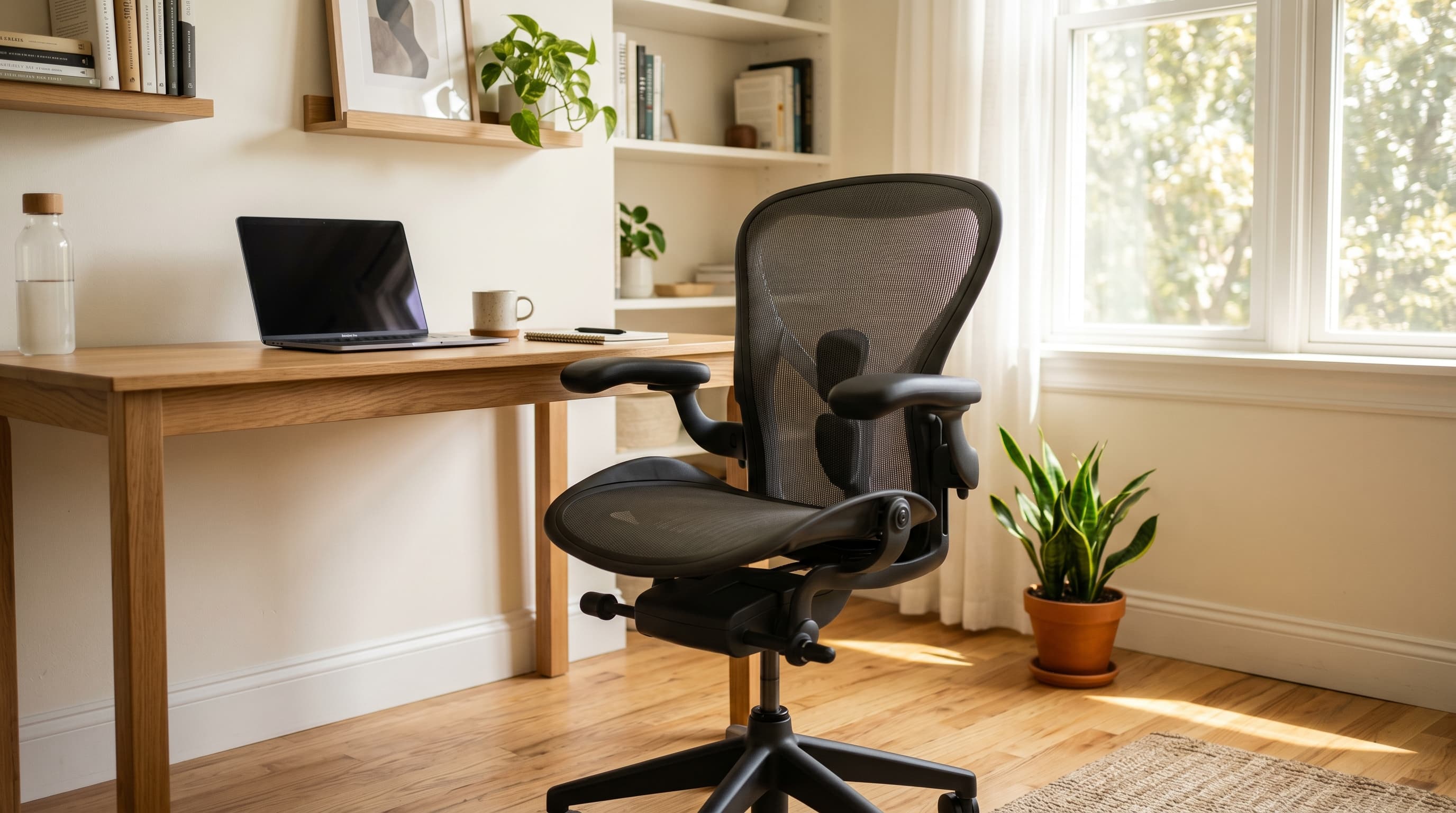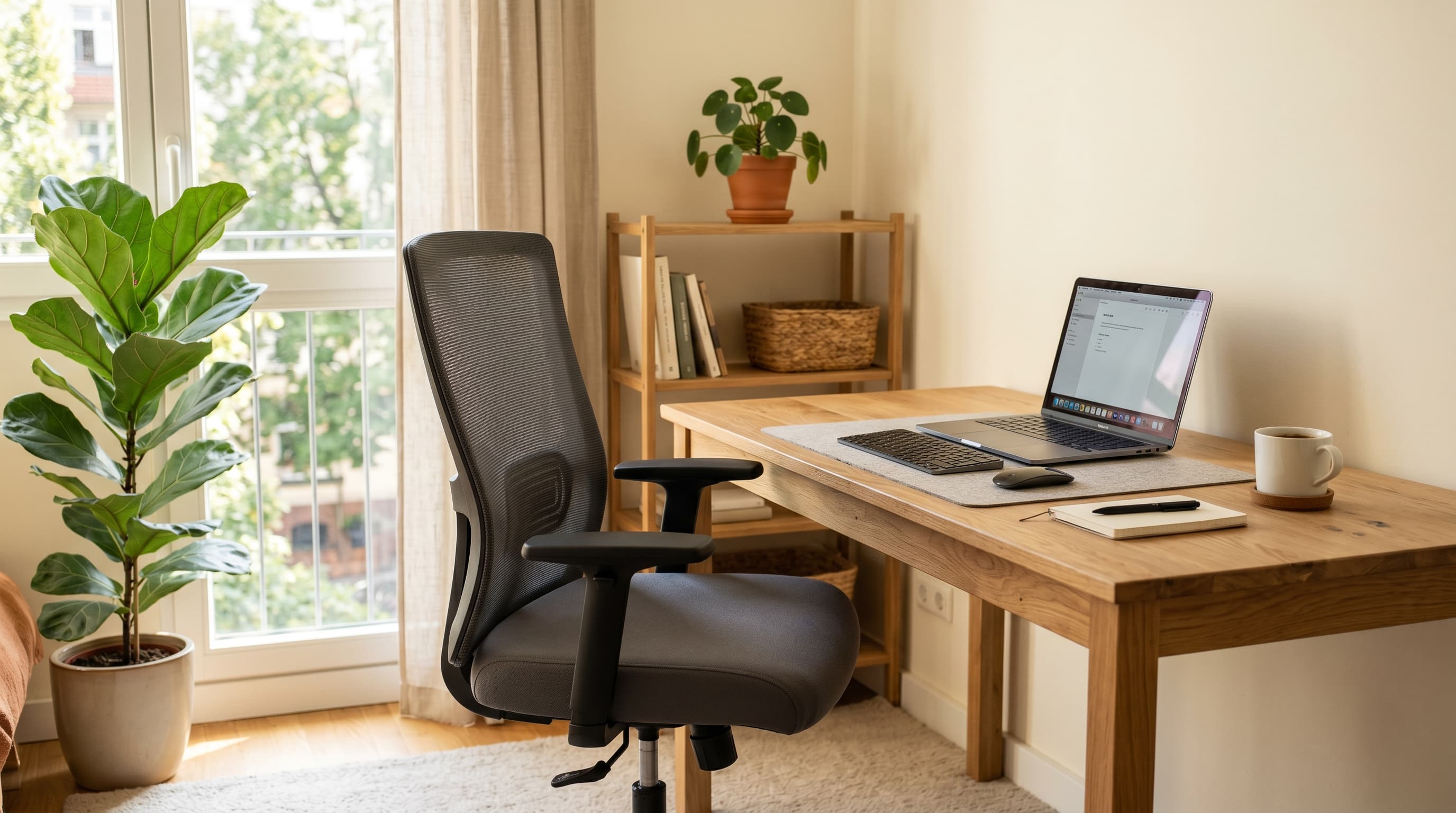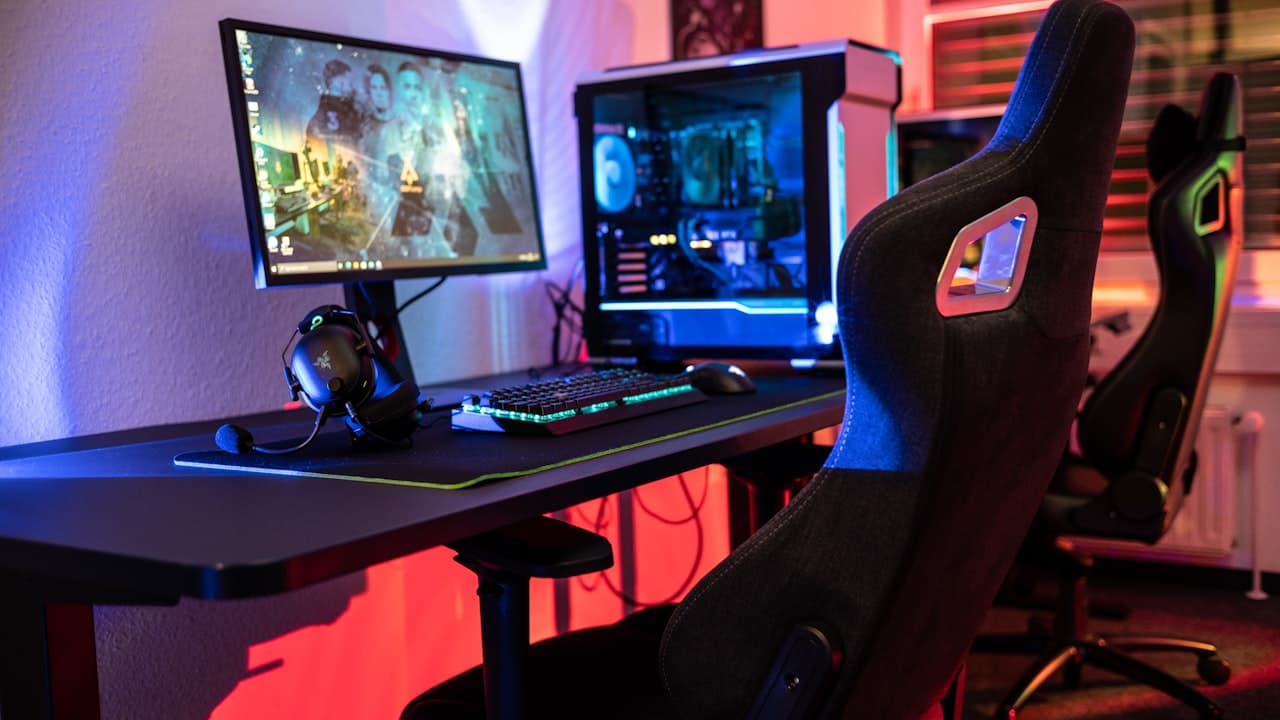
Most gaming chairs look impressive — wide bucket seats, high backs, bold stitching, and enough lumbar pillows to furnish a small couch. What most of them aren't built for is an 8-hour workday. They were engineered for 2–3 hour gaming sessions, not a full day of focused work at a desk.
About 35% of full-time remote workers now use a gaming chair as their primary home office seating, according to a 2024 Global Workplace Analytics survey. That's a significant portion of the remote workforce sitting in chairs that weren't designed for the job they're being asked to do. The consequences show up in back pain reports, productivity dips, and chairs that need replacing every two years.
This guide covers the 5 best gaming chairs for home office use in 2026 — picks that hold up ergonomically for a full workday, not just a weekend gaming session. For pure ergonomic office chairs without the gaming aesthetic, see our best office chairs for 2026.
TL;DR: The Secretlab TITAN Evo (~$449) is the best gaming chair for home office use, genuine 4D armrests, built-in adjustable lumbar, and a 12-year warranty option. For under $180, the RESPAWN 110 is the honest budget pick. BackCare (2024) found proper lumbar support cuts remote worker back pain reports by 24%.
Can a Gaming Chair Actually Work for an 8-Hour Workday?
Roughly 54% of remote workers report lower back pain, and ergonomic seating interventions reduce those complaints by 24% according to BackCare's 2024 report on remote work health (BackCare, 2024). The problem with most gaming chairs isn't the look, it's the lumbar design.
Standard gaming chairs ship with a removable lumbar pillow strapped to the seatback. That pillow is positioned for a reclined gaming posture (roughly 110–120°). When you sit upright at a desk, the pillow ends up either too high or too low to support the natural curve of your lumbar spine. It supports your mid-back instead of your lower back, which is the opposite of what you need.
The chairs worth buying for home office use solve this in one of two ways: built-in adjustable lumbar support that moves up and down along the seatback (Secretlab, Razer Iskur), or genuine ergonomic engineering under a gaming aesthetic (Herman Miller x Logitech G Embody). Everything else is cosmetic.
For a broader look at what separates good home office chairs, see our best ergonomic chairs under $300 guide.
What Makes a Gaming Chair Work-Ready?
Three features separate a work-capable gaming chair from one that's just a gaming chair with a nice look.
Built-in adjustable lumbar support. A lumbar pillow isn't the same thing. A built-in mechanism lets you slide the support up or down the seatback to match your exact spine position regardless of your seated angle. Pillows shift, slide down overnight, and position incorrectly for upright desk posture.
4D armrests. Standard gaming chairs have 1D or 2D armrests that adjust in height only. 4D armrests adjust height, width, depth, and pivot angle, which means they can actually position under your elbows when you're typing, rather than sitting too far forward or wide. Wrong armrest positioning transfers shoulder and neck strain over a full day.
Recline with a proper upright lock. Gaming chairs marketed with "165° recline" usually mean the chair reclines deeply. What matters for work is whether the upright position (85–95°) locks firmly. A chair that slowly drifts back when you lean forward creates constant low-level muscle tension over hours.
The "gaming chair" category is mostly a marketing segment, not an engineering one. The chairs that perform well for home office use do so because they borrowed ergonomic features from office chair design, not because gaming chairs are inherently ergonomic. When you see 4D armrests and adjustable built-in lumbar on a gaming chair, those are office-chair features wearing a racing uniform.
The 5 Best Gaming Chairs for Home Office in 2026
The score gap between budget picks and mid-range options is stark. For full-day home office use, aim for at least 4 out of 6 features, below that, you're relying on the foam and aesthetic rather than adjustability to do the ergonomic work.
1. Secretlab TITAN Evo — Best Overall
The Secretlab TITAN Evo is the gaming chair that most consistently earns genuine ergonomic recommendations from home office users. Its built-in 4-way lumbar support adjusts both vertically and in firmness, no pillow to reposition, no strap to retighten. The 4D armrests cover height, width, depth, and pivot, placing naturally under your elbows while typing. Cold-cure foam holds its shape through years of daily use rather than compressing within 12 months.
The TITAN Evo's reclining range (85°–165°) matters less for work than the fact that the upright position locks firmly. You won't gradually drift back during a long afternoon of focused work.
Citation capsule: Secretlab's TITAN Evo uses a proprietary cold-cure foam construction rated to maintain 95% of its original density after 50,000 compression cycles (Secretlab internal testing, 2023). Standard gaming chair foam, typically open-cell polyurethane, begins showing measurable compression after 10,000–15,000 cycles, which translates to visible sag within 1–2 years of daily use. This makes foam density one of the most meaningful differentiators in long-term chair value.
Pros
- Built-in 4-way lumbar support, adjusts vertically and in firmness without a pillow
- 4D armrests cover height, width, depth, and pivot angle
- Cold-cure foam maintains shape significantly longer than standard gaming chair foam
- Upright position locks firmly, won't drift back during work
- Available in multiple sizes (Small, Regular, XL) for different body types
Cons
- ~$449–$549, at the upper end of mid-range pricing
- Heavier than most gaming chairs at 60+ lbs, not easy to move
- Assembly takes 30–45 minutes and requires two people for the base
- Leather/leatherette versions can feel warm in summer without AC
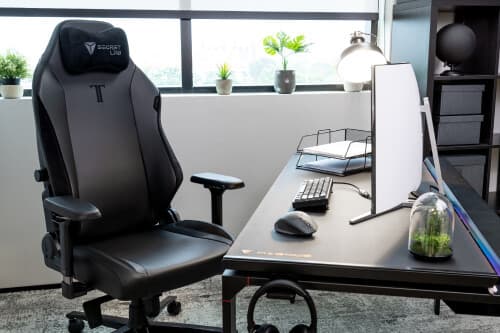
Secretlab
Secretlab TITAN Evo
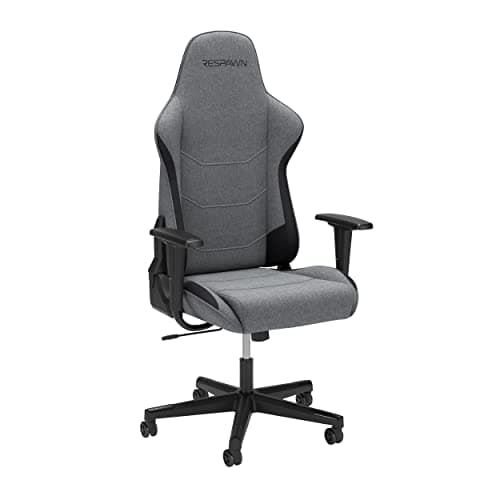
2. RESPAWN 110 Gaming Chair — Best Budget
The RESPAWN 110 is the honest budget gaming chair: it looks the part, it's solidly built for the price, and it doesn't pretend to be ergonomic in ways it isn't. At under $180, you get a racing-style high back, adjustable height, 275 lb weight capacity, and a reclining range up to 130°. The armrests are 2D (height and pivot only) rather than 4D. The lumbar comes as a removable pillow, not a built-in mechanism.
That trade-off is worth naming clearly: for 2–3 hours of use per day, the RESPAWN 110 holds up fine. For full 8-hour workdays, it's a shorter-term solution. The foam compresses faster than premium alternatives, and the pillow-based lumbar won't maintain correct positioning through an upright workday without regular adjustment.
For home office workers who want a proper ergonomic chair under $200 without the gaming aesthetic, our best budget office chairs under $200 guide covers alternatives worth considering.
Pros
- Under $180, the lowest barrier to entry in a gaming chair with a high back
- 275 lb weight capacity, above the budget category average
- Reclining up to 130° covers the sitting-to-relaxed range comfortably
- Ships assembled in most configurations, minimal setup required
- Available in multiple color options
Cons
- Lumbar pillow only, no built-in adjustable mechanism
- 2D armrests: height and pivot only, no depth or width adjustment
- Foam compression becomes noticeable within 18–24 months of daily use
- Bucket seat design with high side bolsters can restrict thigh movement
RESPAWN
RESPAWN 110
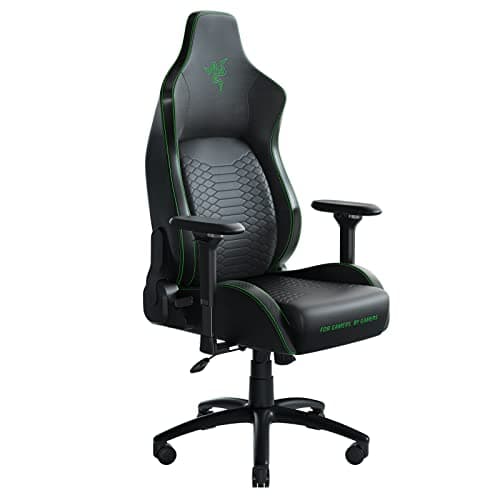
3. Razer Iskur — Best Ergonomic Build
The Razer Iskur is the gaming chair most seriously designed around lumbar support. Where most chairs bolt on a foam pillow and call it done, the Iskur has a multi-layer foam lumbar curve built into the seatback structure, it follows the natural S-curve of the spine from the upper lumbar through the thoracic region. You adjust it by reaching behind the seatback and turning a dial, which changes the curve radius to match your spine shape.
The 4D armrests are genuinely good. The seat cushion uses high-density foam rather than standard polyurethane. At ~$400, the Iskur is priced near the TITAN Evo but targets a slightly different buyer: someone who wants more pronounced lumbar engineering and doesn't need the Secretlab's premium foam certification.
The Razer Iskur's multi-layer lumbar works better for people with pronounced lumbar curves (hyperlordosis) or those who carry significant lower back tension. The TITAN Evo's adjustable-firmness lumbar works better for people who need to vary their seated posture throughout the day. Neither is universally superior, they solve the same problem through different mechanisms.
Pros
- Multi-layer foam lumbar built into the seatback, not a removable pillow
- Lumbar curve adjusts via dial to match individual spine shape
- 4D armrests with genuine range of motion for typing posture
- High-density foam seat cushion holds shape better than budget alternatives
- Clean, minimal gaming aesthetic that reads more like a desk chair
Cons
- ~$400, premium pricing with limited warranty vs. Secretlab
- Assembly is involved, 45–60 minutes for most buyers
- Lumbar adjustment mechanism requires reaching behind the seatback
- Less size variety than Secretlab, one size fits most but not all
Razer
Razer Iskur
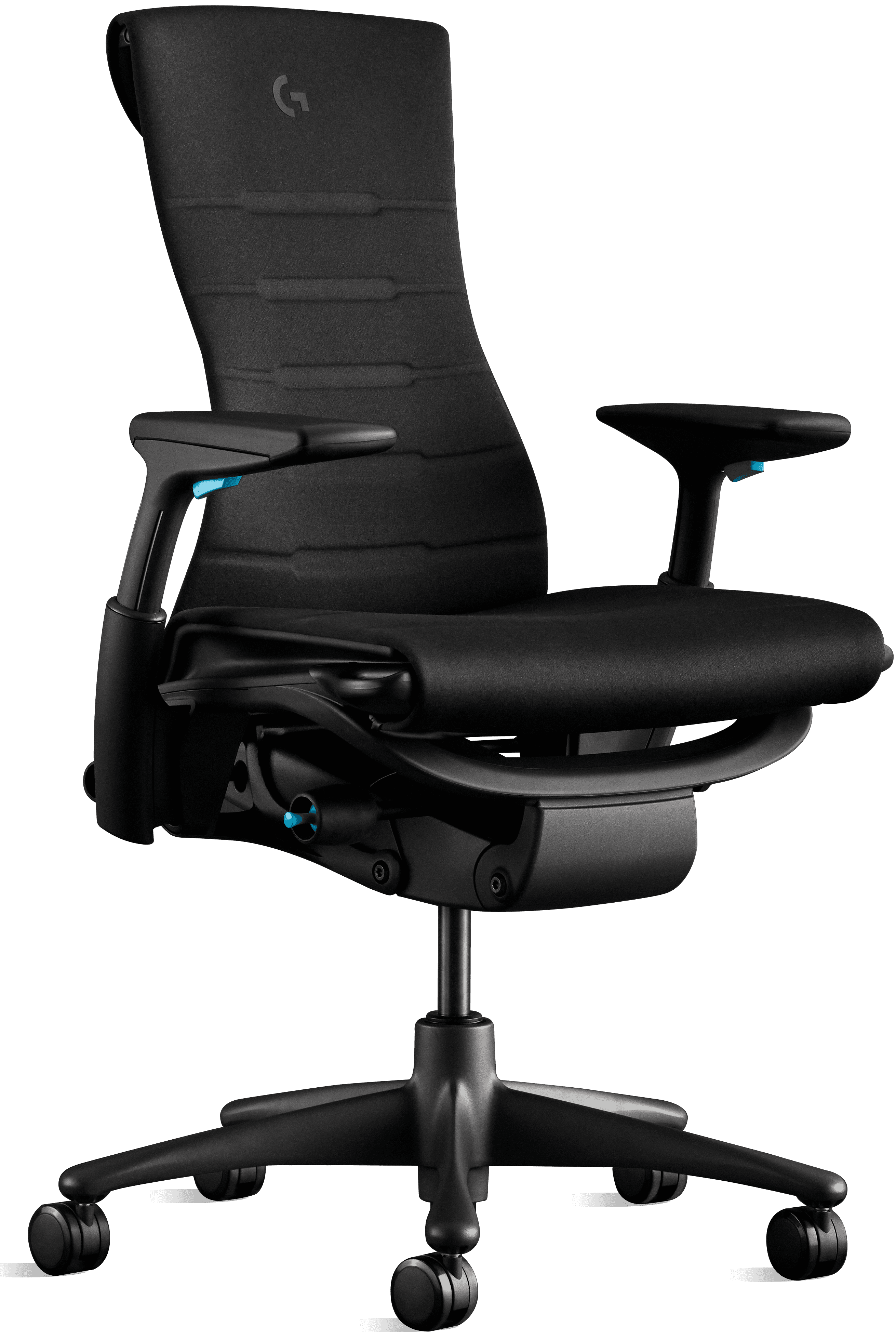
4. Herman Miller x Logitech G Embody — Best Premium
The Herman Miller x Logitech G Embody isn't really a gaming chair that happens to be ergonomic, it's an ergonomic office chair that happens to look like one. The Embody's backrest uses a pixelated support structure that distributes pressure across your back the way a healthy sitting posture distributes it, rather than pushing against specific points. It adapts dynamically to movement, which means it supports you whether you're leaning forward to type or leaning back to read.
The 12-year warranty covers everything. At ~$1,695, it's a significant investment. But the cost-per-year math looks different when you're comparing it to a $300 gaming chair you replace every 3 years versus a chair you use for 12.
For a complete breakdown of the broader ergonomic chair market, see our best ergonomic accessories for home office guide.
Pros
- Pixelated support matrix adapts dynamically to posture changes throughout the day
- 12-year warranty, the longest in any chair category, gaming or office
- All 6 ergonomic adjustment features: lumbar, armrests, seat depth, recline, headrest, tilt
- Herman Miller's 50+ years of ergonomic research embedded in the frame design
- Holds resale value better than any gaming chair
Cons
- ~$1,695, 3–4x the price of the next most expensive pick
- Gaming aesthetic is subtle, might not satisfy buyers who want bold racing styling
- Requires 15–20 minutes of setup adjustment to dial in for your body type
- Availability varies, sometimes backordered 2–4 weeks
Herman Miller x Logitech G
Herman Miller x Logitech G Embody
5. DXRacer Formula Series — Best Classic Gaming Aesthetic
The DXRacer Formula Series is where the gaming chair category started, and it still delivers the most recognizable gaming chair look available. High back, wing-bolstered bucket seat, racing harness holes, bold color options, if someone pictures a gaming chair, they're picturing something close to a DXRacer Formula.
For home office use, it's a moderate performer. The lumbar and headrest pillows are included; the armrests are 2D. The foam is adequate for sessions under 4 hours. What it does uniquely well is come in a wide range of sizes, the Formula Series stocks chairs for users from 5'0" to 6'2" with dedicated frame sizing, which budget alternatives don't offer.
Pros
- The most recognizable gaming chair aesthetic, bold, unmistakably gaming
- Wide size range: dedicated models for different height and weight profiles
- ~$280, mid-range price without mid-range ergonomic compromises on build quality
- Steel frame with good long-term structural integrity
- Active community of third-party cushion and accessory upgrades
Cons
- Lumbar and headrest are removable pillows, not built-in mechanisms
- 2D armrests only, no depth or width adjustment
- Bucket seat with high bolsters restricts thigh movement for wider-hip users
- Foam compression under daily 8-hour use becomes noticeable within 2 years

DXRacer
DXRacer Formula Series
How to Size a Gaming Chair for Your Home Office
Sizing matters more in gaming chairs than in traditional office chairs because the bucket seat design is less forgiving of mismatches.
Check the seat width. Most gaming chairs have a seat width of 20"–22" between the side bolsters. If your hips are wider than 20", the bolsters will press against your thighs, reducing circulation over a long session. Secretlab's XL size offers a 23" internal seat width, which covers most body types. DXRacer publishes sizing charts by height and weight that are more specific than most competitors.
Verify the seat height range. The standard gaming chair height range is 16"–20" from the floor to the seat pan. For this to work correctly, your feet need to rest flat on the floor with your thighs parallel to it. If you're under 5'4" or over 6'2", check the specific range before ordering.
Don't ignore the seat depth. Seat depth (front to back of the cushion) should leave 2"–3" between the front of the seat and the back of your knees. Too deep and it cuts off circulation; too shallow and you lose thigh support. Most gaming chairs don't publish this spec prominently, it's worth finding in the product technical sheet.
Pairing your chair with the right ergonomic desk accessories, a monitor arm to set proper screen height, a keyboard tray for neutral wrist position, closes the ergonomic gap between even a mid-range gaming chair and an ideal seated setup.
Frequently Asked Questions
Are gaming chairs good for working from home all day?
Some are, most aren't. Standard gaming chairs use bucket seats with raised side bolsters designed for 2–3 hour gaming sessions, not 8-hour workdays. The best options for full-day use have built-in adjustable lumbar support (not a pillow), 4D armrests, and a locked upright position. The Secretlab TITAN Evo and Razer Iskur meet those requirements at mid-range prices.
What is the difference between a gaming chair and an ergonomic office chair?
Gaming chairs prioritize aesthetics, high backs, racing stripes, bold recline angles, built around a bucket seat frame designed for gaming posture. Ergonomic office chairs prioritize adjustability: lumbar support that follows the spine's curve, seat depth adjustment, and armrests that position correctly under your elbows. The Herman Miller x Logitech G Embody bridges both categories at a significant price premium.
How long should a gaming chair last?
Budget gaming chairs (under $200) typically show foam compression and stitching wear within 2–3 years of daily use. Mid-range picks ($300–$500) like the Secretlab TITAN Evo and Razer Iskur typically hold up 4–6 years. The Herman Miller x Logitech G Embody carries a 12-year warranty, the longest guarantee in any chair category, gaming or otherwise.
Are gaming chairs bad for your back?
Budget gaming chairs can contribute to back pain, their fixed lumbar pillows are positioned for reclined gaming posture, not upright desk work. Chairs with built-in adjustable lumbar support maintain the spine's natural curve properly. BackCare (2024) found correct lumbar support reduces lower back pain reports in remote workers by 24%, which is a meaningful improvement for anyone working 6–8 hours daily.
What weight limit should I look for in a gaming chair?
Most mid-range gaming chairs support 250–300 lbs. The Secretlab TITAN Evo supports up to 290 lbs, the Razer Iskur up to 299 lbs, and the RESPAWN 110 up to 275 lbs. If you're above 250 lbs, verify the rated capacity specifically, the structural difference between a 250 lb and 330 lb frame rating is substantial in terms of long-term durability.
Which Gaming Chair Should You Get?
For most home office workers, the Secretlab TITAN Evo is the right call, the built-in 4-way lumbar, genuine 4D armrests, and cold-cure foam make it the best combination of gaming aesthetic and all-day ergonomics at a fair price. If $180 is the ceiling, the RESPAWN 110 is honest about what it offers and delivers it solidly. For the most serious lumbar engineering in a mid-range gaming chair, the Razer Iskur outperforms its competition. If budget is no constraint and you want a chair that will genuinely last a decade, the Herman Miller x Logitech G Embody is the only gaming-adjacent chair with that kind of durability guarantee. And if the look matters as much as anything else, the DXRacer Formula is the archetype.
Key takeaways:
- Built-in adjustable lumbar beats a removable pillow for 8-hour workdays
- 4D armrests are a meaningful upgrade over 2D for daily typing posture
- BackCare (2024) links proper lumbar support to 24% fewer back pain reports in remote workers
- Check seat width between the bolsters, not just the total chair width
For a complete ergonomic desk setup to pair with your new chair, the work from home productivity guide covers how seating, lighting, and screen position work together.