40.4% of remote workers experience neck pain and 42.4% experience low back pain during remote work, with workers using poor workstation setups showing a 2x higher odds ratio for new musculoskeletal disorders (PMC / Journal of Occupational and Environmental Medicine, 2025, n=1,064). Musculoskeletal disorders cost U.S. employers an estimated $20 billion annually, with an average cost of $33,000 per incident (Bureau of Labor Statistics, 2024).
A bad chair is the most expensive thing in your home office. It just bills you in back pain instead of dollars. After extended testing across price points, these are the best ergonomic office chairs for home workers in 2026, from the $299 practical choice to the $1,400 benchmark that's still worth every cent.
TL;DR: For most full-time remote workers, the Herman Miller Aeron is the correct long-term investment at $1,395. If the price isn't workable, the Branch Ergonomic Chair at $299 covers the ergonomic fundamentals at a fraction of the cost. The Steelcase Leap V2 beats the Aeron for one use case: extended reclined working. The Autonomous ErgoChair Pro at $449 is the best full-mesh option under $500.
What Makes a Great Ergonomic Office Chair
Not all ergonomic chairs deliver the same result. A 2025 PMC study found that workers using proper workstation setups had 2x lower odds of new neck and back pain compared to those using poor setups. The difference comes down to five specific adjustable features — chairs that skip any of them force compromises that compound over years of daily use.
Here's what separates a chair that protects your body from one that just looks the part:
- Lumbar support: Adjustable, not fixed — your spine is not average
- Seat depth adjustment: Lets you properly support your thighs regardless of leg length
- Armrest quality: 4D arms (height, width, depth, angle) are meaningfully better than 2D
- Breathability: Mesh backs reduce heat buildup during long sessions
- Warranty: Reflects how much the manufacturer actually stands behind the chair
Our top picks
1. Herman Miller Aeron — Best Overall
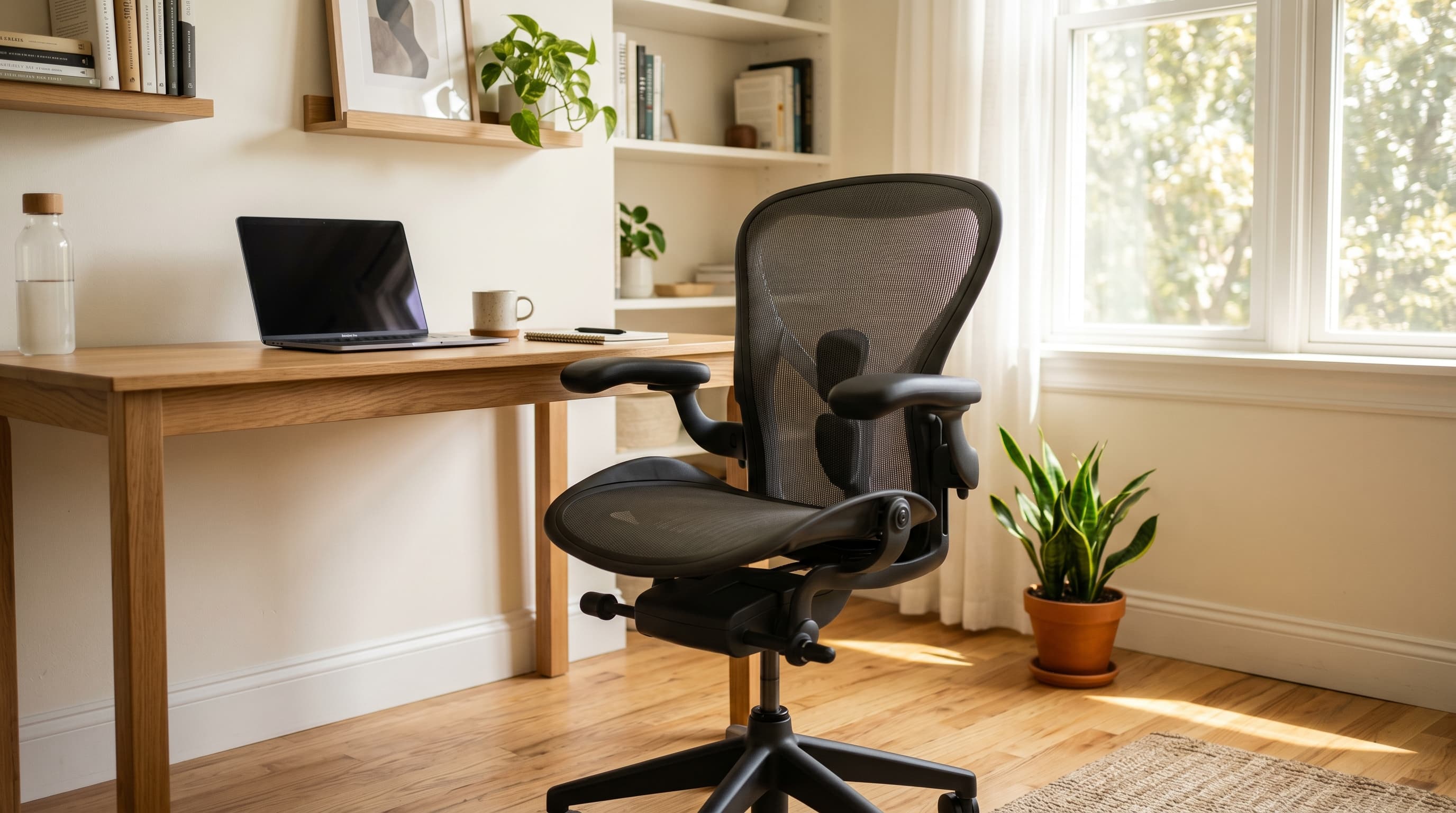
The Aeron has been the benchmark ergonomic chair for three decades and still earns that title. PostureFit SL supports both the sacrum and lumbar simultaneously, the 8Z Pellicle mesh breathes unlike anything in the foam-seat category, and the 12-year warranty is the best in the industry.
Pros
- PostureFit SL is unmatched for lower back support
- 8Z Pellicle mesh keeps you cool across all-day sessions
- 12-year warranty covers 3 shifts of daily use
- Three sizes (A/B/C) fit a wider range of bodies than most chairs
- Forward tilt option opens hip angle for focused work
Cons
- Expensive at ~$1,395, hardest part is writing the check
- No headrest included; aftermarket options cost $80–120 extra
- Adjustment learning curve, takes 15 minutes to dial in properly
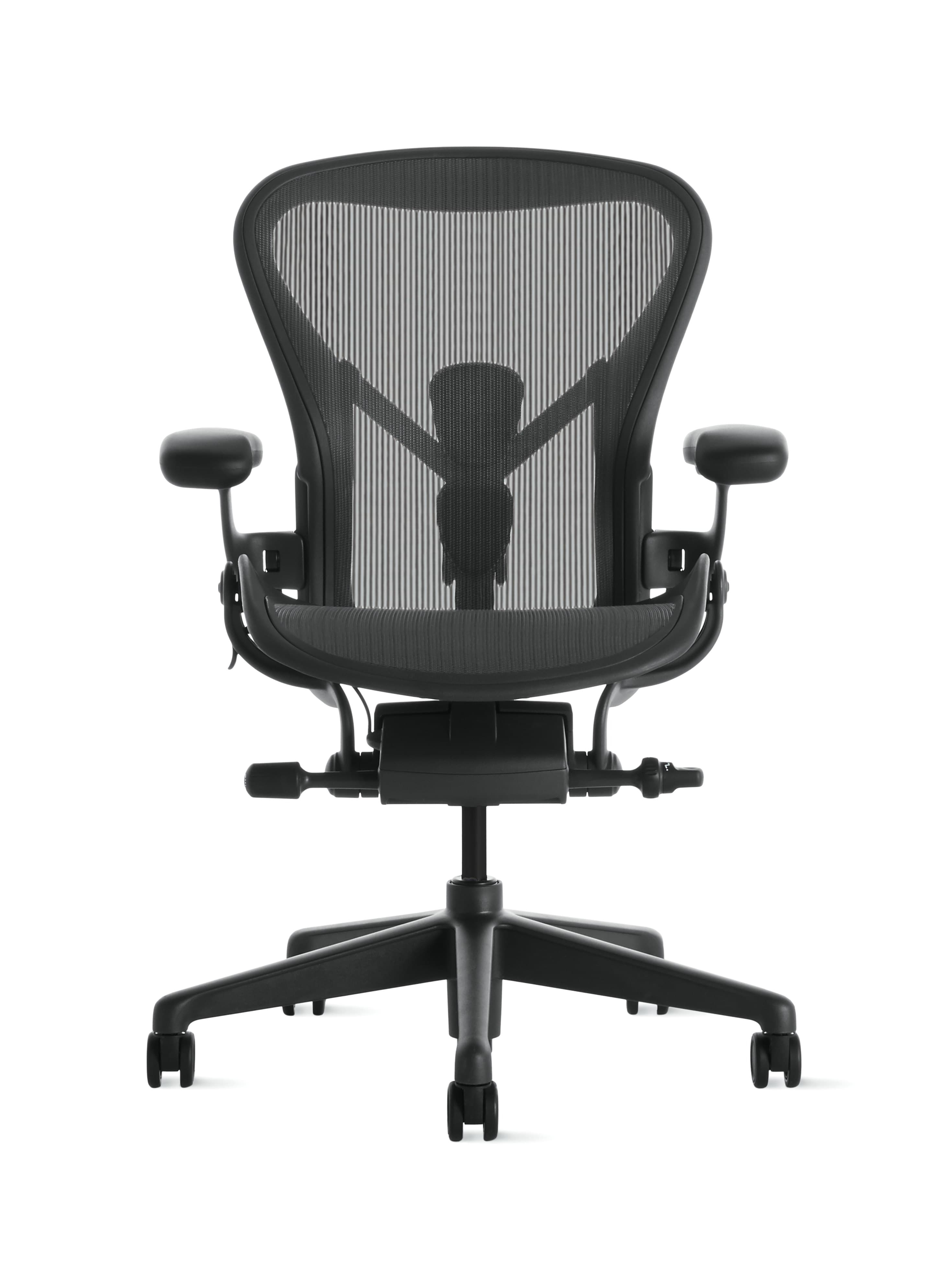
Herman Miller
Herman Miller Aeron Chair
PostureFit SL lumbar, 8Z Pellicle mesh, and a 12-year warranty. Three decades as the benchmark ergonomic chair, still earning the title.
2. Steelcase Leap V2 — Best for Recliners
The Steelcase Leap is the only chair we'd recommend over the Aeron for one specific use case: if you spend significant time reclined. Its LiveBack technology flexes with your spine through the entire recline range, maintaining contact with your lumbar in positions where the Aeron loses touch. At ~$1,500, it's slightly more expensive, but it's a different chair for a different working style.
Pros
- LiveBack flexes with spine through full recline, best recline ergonomics tested
- Natural Glide System moves you forward as you recline, reducing spinal compression
- Highly adjustable seat depth accommodates a very wide range of leg lengths
- 12-year warranty matches Herman Miller
Cons
- Most expensive chair on this list at ~$1,500
- Heavier and bulkier than the Aeron
- Fabric seat retains more heat than mesh alternatives
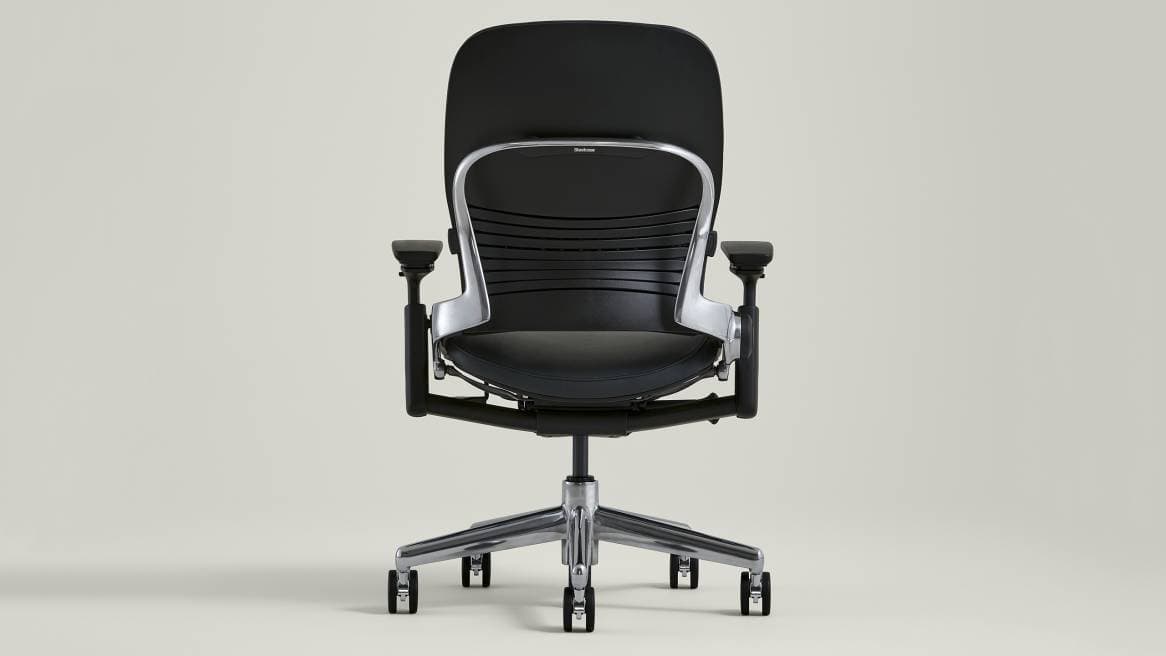
Steelcase
Steelcase Leap V2
LiveBack flexes with your spine through the full recline range, maintains lumbar contact where the Aeron loses it. The best chair for users who work reclined.
3. Branch Ergonomic Chair — Best Value
The Branch Ergonomic Chair does something remarkable: it covers all the ergonomic fundamentals (adjustable lumbar, 4D armrests, seat depth, headrest included) at $299. It's not a Herman Miller, but it's far closer than the price gap suggests. For anyone who can't justify $1,400 or works part-time from home, Branch is the right call.
Pros
- 4D adjustable arms and seat depth at a price most chairs skip
- Headrest included, rare at this price point
- Clean, professional aesthetic that doesn't look "gamer"
- 5-year warranty is solid for the price
Cons
- Mesh isn't as breathable as the Aeron's 8Z Pellicle
- Lumbar pad is an adjustable cushion, not a structural system
- Less durable over a 10+ year horizon than premium alternatives
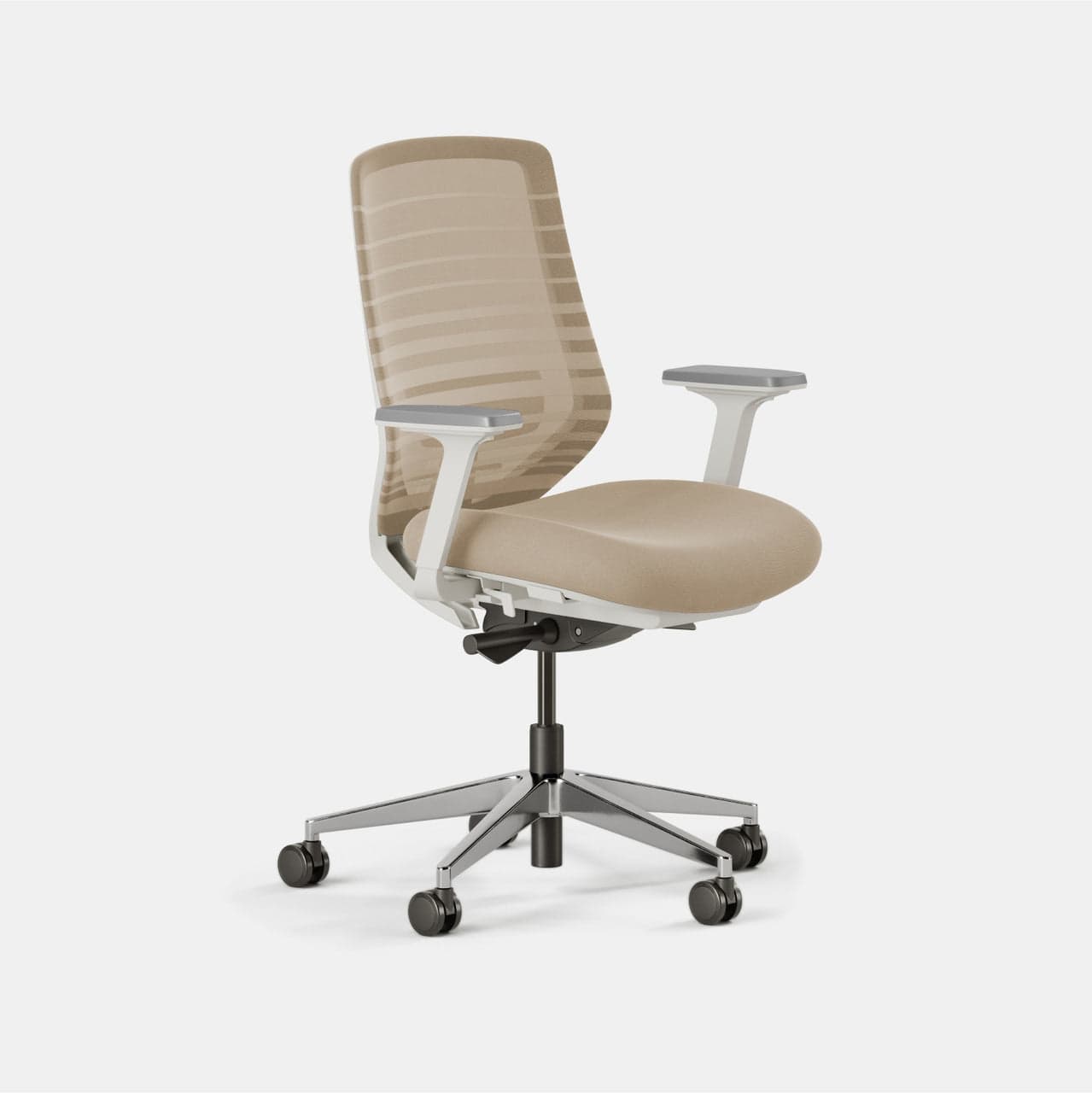
Branch
Branch Ergonomic Chair
4D armrests, seat depth adjustment, and a headrest included at $350, covers all ergonomic fundamentals at a quarter of the Aeron's price.
4. Autonomous ErgoChair Pro — Best Budget Mesh
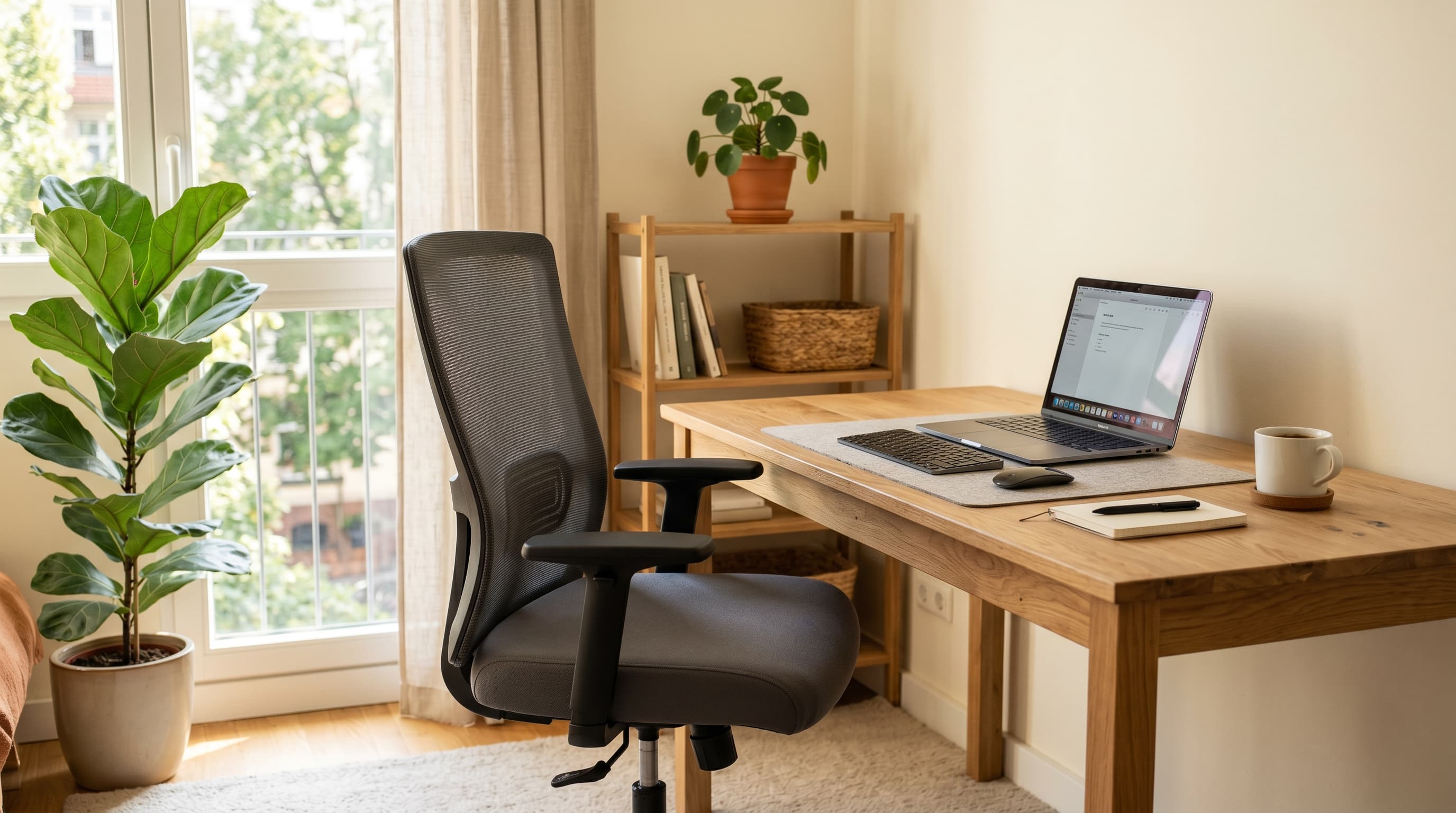
At ~$449, the Autonomous ErgoChair Pro delivers a full mesh back, adjustable lumbar, and 4D arms for less than most premium chairs' accessories. Build quality shows at the price: the plastic components feel less substantial than Branch or Herman Miller, but the ergonomic adjustability punches well above its cost.
Pros
- Full mesh back at an accessible price point
- More adjustment points than most chairs in this range
- Recline with adjustable tension and multiple lock positions
Cons
- Plastic components feel noticeably cheaper than Branch or Steelcase
- Customer support has been inconsistent historically
- Lumbar support is less precise than structured systems
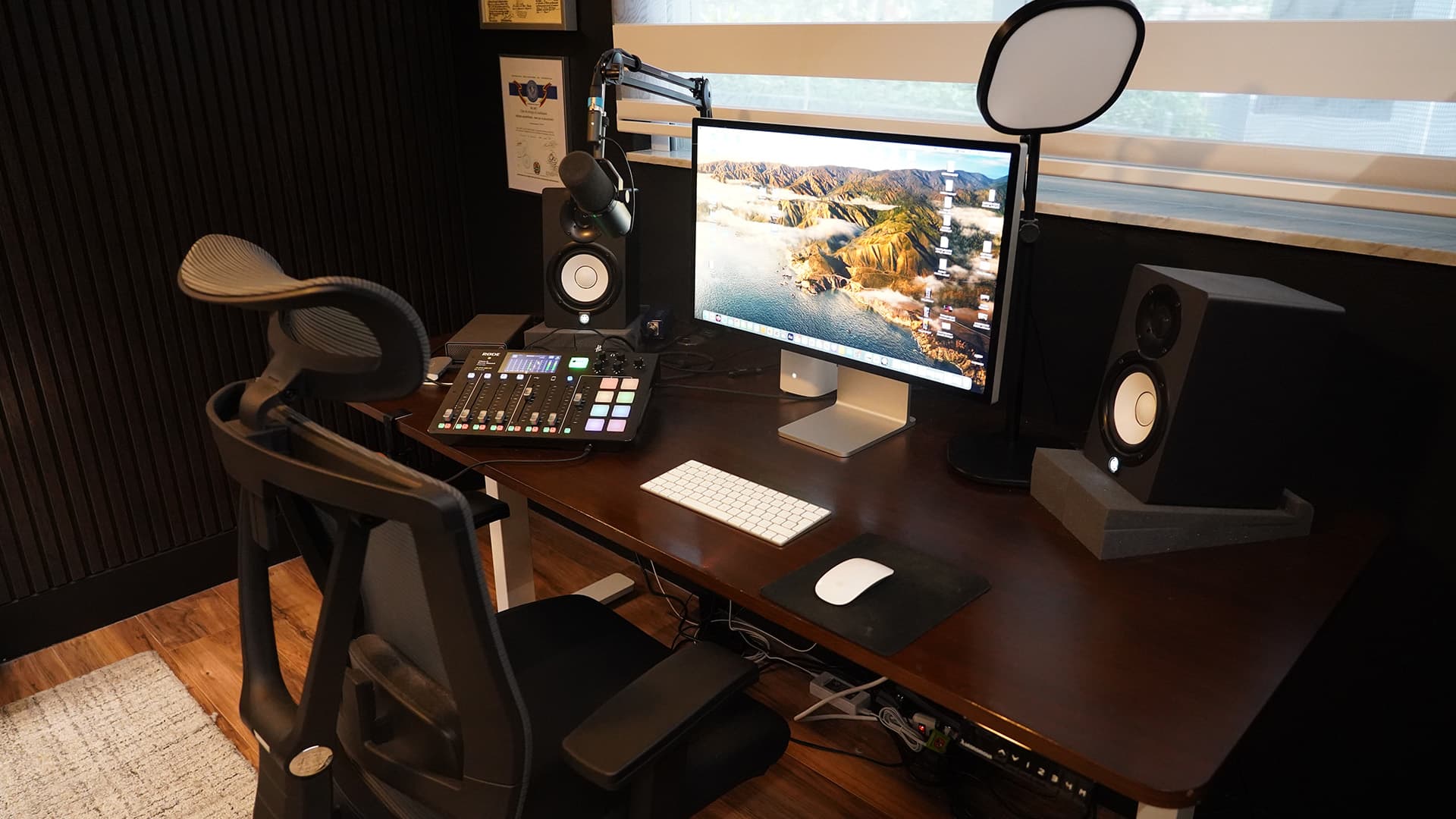
Autonomous
Autonomous ErgoChair Pro
Full mesh back, 4D arms, and multiple recline lock positions at $400, the most adjustable full-mesh chair at this price point.
5. Secretlab TITAN — Best for Dual Work/Gaming Use
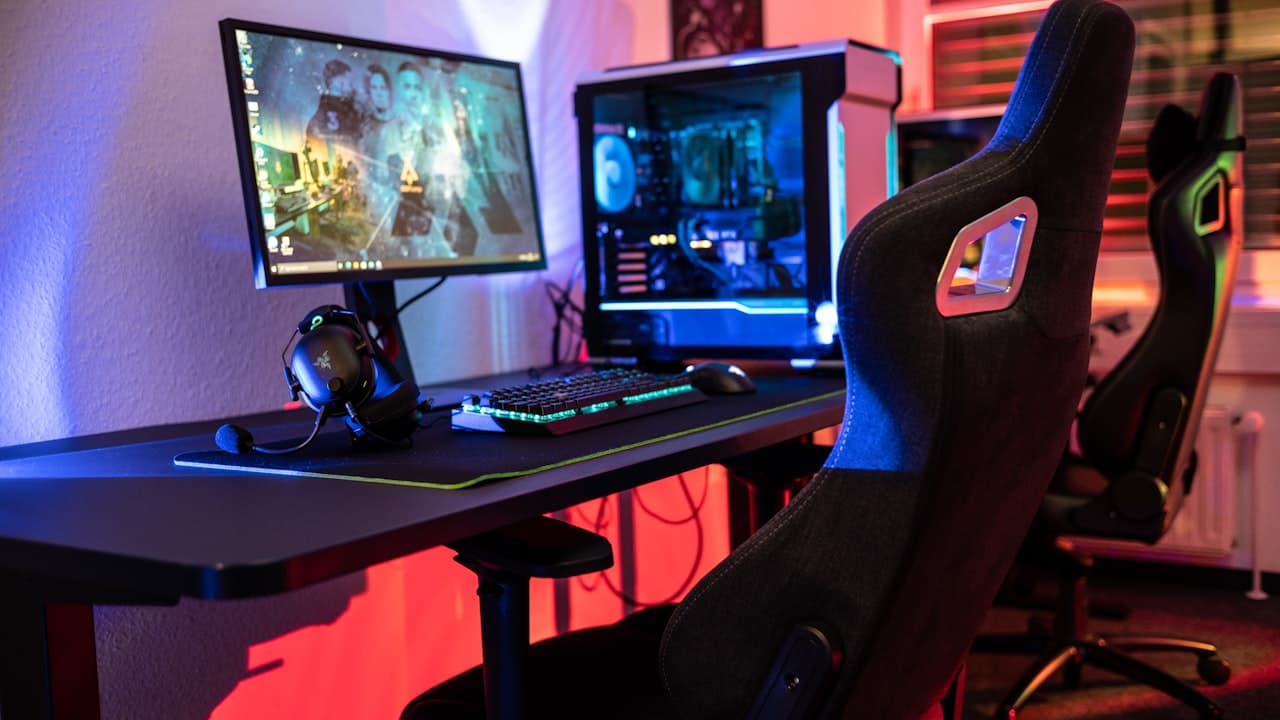
If your home office doubles as a gaming station and you want one chair that handles both, the Secretlab TITAN is the only gaming chair worth considering for serious desk work. The hybrid leatherette or SoftWeave fabric construction is durable, the integrated lumbar pillow provides genuine lower back support, and the reclining range is excellent. It won't compete with a Herman Miller for 8-hour work sessions, but it handles a 4–6 hour hybrid workday better than any other gaming chair.
Pros
- Best build quality and materials of any gaming chair tested
- Integrated lumbar support pillow works better than most chair lumbar systems
- Full recline range (up to 165 degrees) for breaks and gaming
- 10-year warranty, exceptional for a gaming chair
Cons
- Leatherette retains heat, consider SoftWeave fabric version for long work sessions
- Designed with gaming posture in mind, not strict ergonomic positioning
- Wide seat may not suit narrower body types
Secretlab
Secretlab TITAN Evo
Best build quality of any gaming chair tested. Integrated lumbar, 10-year warranty, and a recline range that handles a 4–6 hour hybrid workday.
For a dedicated comparison of gaming chairs that work for hybrid work/gaming setups, our best gaming chair for home office 2026 covers more options in the gaming chair category beyond the Secretlab TITAN.
How to choose the right office chair
Matching chair size to your body
Most ergonomic chairs are designed for a "medium" body, which fits roughly 5'4"–6'0" and 130–220 lbs. Outside that range:
- Shorter / lighter: Look for chairs with minimum seat heights below 16" and narrower seat widths. Herman Miller Aeron Size A, Steelcase Amia.
- Taller / heavier: Look for chairs rated to 350+ lbs with seat heights above 21". Herman Miller Aeron Size C, Steelcase Leap, Autonomous ErgoChair Max.
The adjustment checklist
When you sit down in a new chair, confirm these five things before you decide it fits. For the full ergonomic framework including monitor height and desk height, see our home office ergonomics guide.
| Adjustment | Target |
|---|---|
| Seat height | Feet flat, thighs parallel to floor, knees at ~90° |
| Seat depth | 2–3 finger gaps between seat edge and back of knees |
| Lumbar support | Feels like light pressure at your lower back curve |
| Armrest height | Elbows at ~90°, shoulders relaxed and not raised |
| Monitor height | Top of screen at or slightly below eye level |
Mesh vs. foam seat
Mesh backs are almost universally better for long sessions. They breathe and conform to your body shape dynamically. Foam backs (including most gaming chairs) trap heat and compress over time, losing support. For a home office chair used 6+ hours daily, prioritize mesh.
Chair Price Comparison
Citation capsule: 40.4% of remote workers experience neck pain and 42.4% experience low back pain, with workers in poor workstation setups showing 2x higher odds of new musculoskeletal disorders (PMC / Journal of Occupational and Environmental Medicine, 2025). Musculoskeletal disorders cost U.S. employers an estimated $20 billion annually at an average of $33,000 per incident (Bureau of Labor Statistics, 2024). A chair upgrade at $300-$1,400 pays for itself within months in avoided productivity loss.
Frequently Asked Questions
How much should I spend on an office chair?
For part-time home workers (under 4 hours/day), $300-400 covers the ergonomic fundamentals. The best ergonomic chairs under $300 and best budget office chair under $200 guides cover picks at those price points. For full-time workers (6+ hours/day), the $1,000-1,500 range is genuinely justified: the cost per day over a 5-year period is less than a cup of coffee.
Can a good chair fix back pain?
A proper ergonomic chair reduces the mechanical strain that causes back pain, but it's not a cure. Pairing a good chair with standing desk intervals, regular movement breaks, and correct monitor positioning addresses the problem more completely. Our standing desk vs. sitting desk guide breaks down when alternating between sitting and standing is worth the investment.
Is Herman Miller worth it over a $400 chair?
For full-time desk work, yes. The PostureFit SL lumbar system, 8Z mesh breathability, and 12-year warranty create a meaningfully better long-term outcome for your back and your budget than replacing a cheaper chair every 3–4 years.
What's the difference between Herman Miller Aeron sizes?
Size A fits smaller frames (under 5'4", under 130 lbs). Size B fits most people (5'4"–6'2", 130–230 lbs). Size C fits larger frames (over 6'2" or over 230 lbs). When in doubt, Size B is correct.