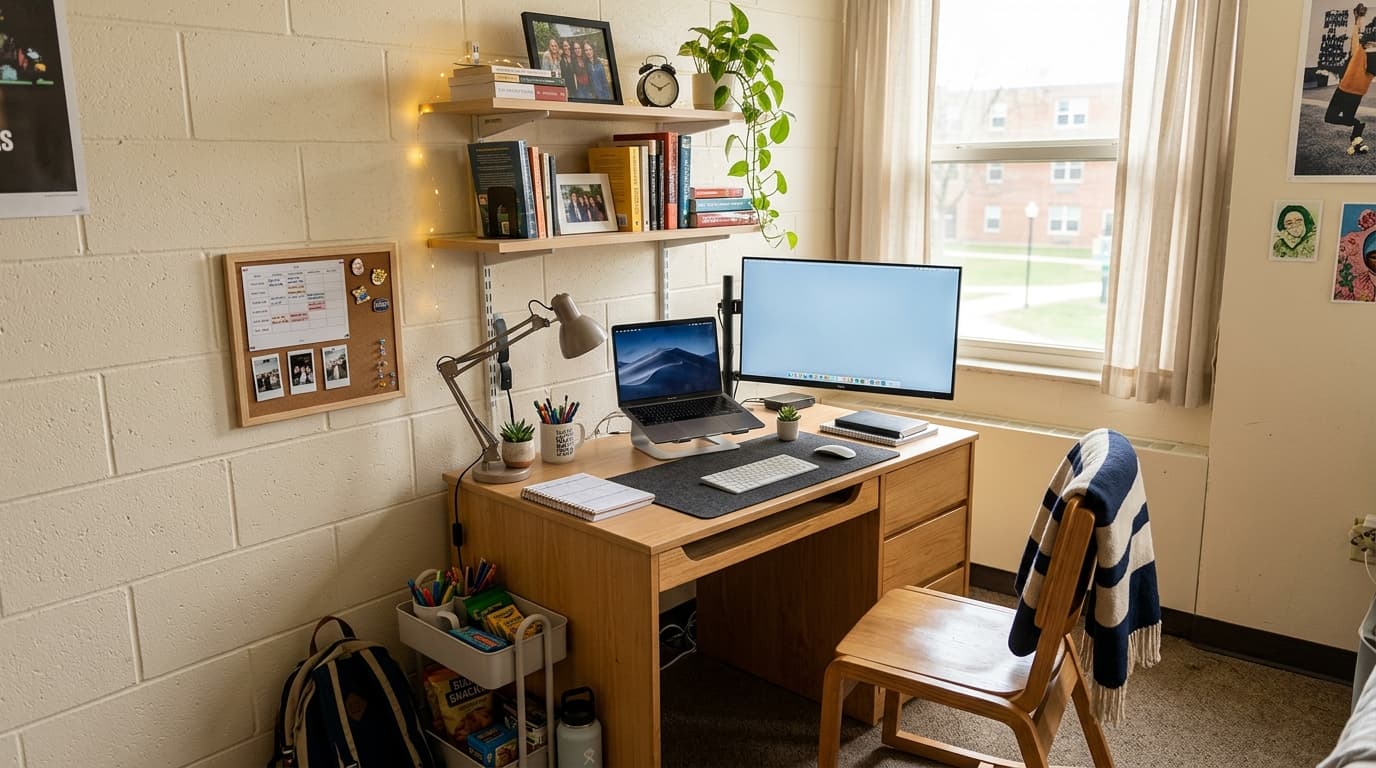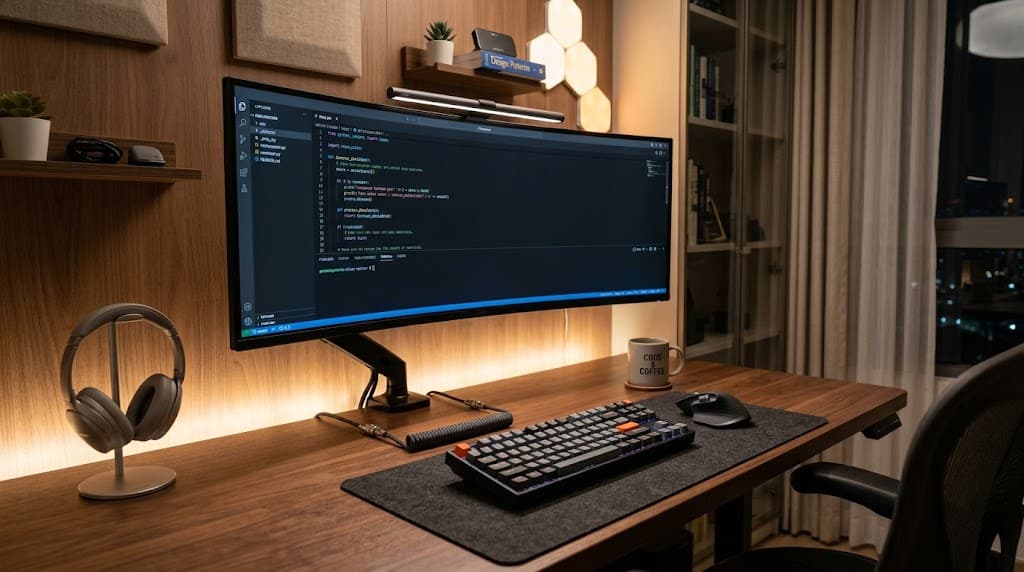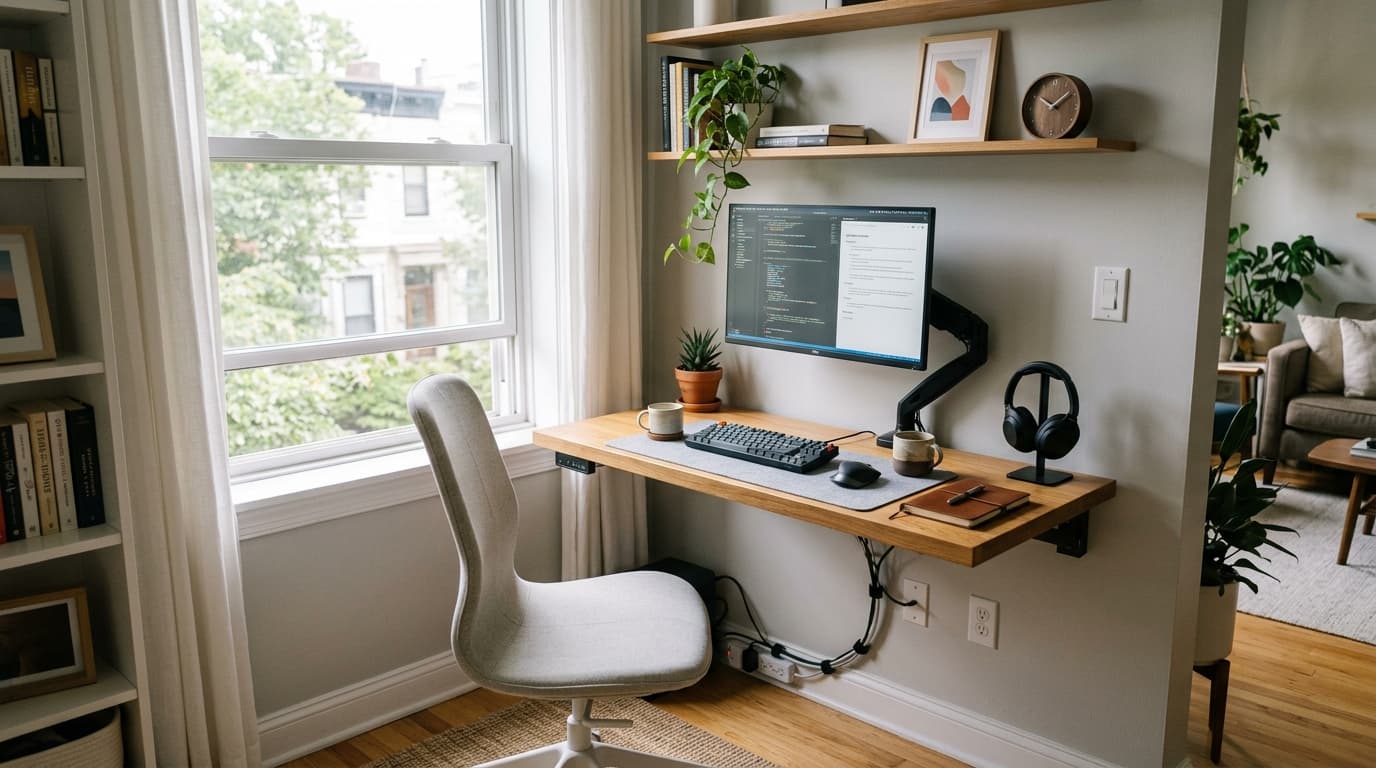

The average US apartment covers just 908 square feet, and studios average 457 square feet (RentCafe / Yardi Matrix, Apr 2025). Yet 22.1% of employed Americans, roughly 34.6 million workers, teleworked as of August 2025 (Bureau of Labor Statistics via Gable, Aug 2025). Those two facts collide daily at kitchen tables and bedroom corners across the country.
The real problem isn't just square footage. Only 19% of homeworkers have a dedicated study or office room. A full 51% work in living or dining areas and 24.6% work in bedrooms (PMC / IJERPH, Feb 2023, n=1,766). That means the office is always visible. It shares space with cooking, sleeping and everything else. The setup needs to work hard and disappear just as well.
This guide focuses on gear that solves both problems: compact enough to fit, good enough to protect your body. Every product has a verified 2026 price. Two complete bundles at the end show how it all fits together. For the ergonomic principles behind each product choice, see our home office ergonomics guide.
TL;DR: Only 19% of remote workers have a dedicated office room (PMC / IJERPH, 2023). The right compact setup needs a desk under 48 inches, a monitor arm to recover desk depth, and an ergonomic chair that tucks away cleanly. A solid starter kit costs around $490; a full compact setup runs about $1,350.
How Much Space You Actually Need
A desk 40 inches wide and 20-24 inches deep is the practical minimum for a single-monitor setup with a laptop, keyboard and mouse. That's based on OSHA's recommended 20-30 inch monitor viewing distance and standard keyboard placement. Most people overestimate how much surface they need and underestimate how much a monitor stand wastes.
The 40-Inch Minimum Width Rule
Forty inches gives you room for a 27-inch monitor, a full-size keyboard and a mouse pad side by side. Go narrower than 40 inches and you start making tradeoffs: a 28.75-inch desk works, but you'll likely use a laptop with no external monitor, which carries its own health risks (covered below). The small desk ideas guide has more options by room size.
Why Desk Depth Matters More Than Width
Standard desks run 24 inches deep. That depth assumes a monitor on a stand, which itself takes 8-12 inches of footprint. A monitor arm clamps to the desk edge and suspends the screen in the air, returning all of that footprint to usable space. With an arm, an 18-20 inch deep desk handles a full external monitor setup. That's the single best trick for very shallow spaces, like a desk mounted against a wall or tucked in a closet. The best monitor arms guide covers all price tiers.
Best Compact Desks for Small Spaces
The right compact desk balances width, depth and height adjustability. Fixed-height desks cost less and work for most people. Electric standing desks add $100-$300 but matter more if you work six-plus hours a day, since research consistently links prolonged sitting to musculoskeletal problems. The five desks below cover every budget and use case from $50 to $400.
IKEA MICKE 28.75" ($49.99)
The IKEA MICKE 28.75" is the shallowest practical desk on this list at 19.6 inches deep and just $49.99. It's meant for laptop-only setups or as a secondary surface. The integrated cable management slot at the back keeps cords off the surface. For anyone working in a true closet office or against a very narrow wall, this is the only desk that fits. See the home office setup under $500 guide for a full budget-first build.
IKEA MICKE 41" ($79.99)
The IKEA MICKE 41" costs $79.99 and is the better choice for most small-space setups. At 41 inches wide and 19.6 inches deep, it fits an external monitor on an arm plus a keyboard without crowding. The same cable management slot runs along the back. It's a fixed-height desk at standard 29.5 inches, which suits people between 5'4" and 6'0" without a footrest.
Fezibo 40" Electric Standing Desk ($169-$219)
The Fezibo 40" Electric Standing Desk is the best-value standing option at this width. It adjusts from 27.5 to 46.9 inches tall with three memory presets and anti-collision technology that stops the frame if it hits a chair or obstacle. Capacity is 176 pounds. At 40 inches wide, it fits a single-monitor arm setup and nothing else, which is the right constraint for a small space. For more options, the best standing desks guide covers wider and deeper frames.
Flexispot EN1 48" Electric Standing Desk (~$130 on sale)
The Flexispot EN1 48" regularly goes on sale around $130 and is the best value at the 48-inch width. Four memory presets, 176-pound capacity and a 28-47.6 inch height range cover most people. At 48 inches, you get a monitor arm on one side and a small notepad or secondary device on the other. The frame is stable enough that most users won't notice flex at desk height.
Vari Essential Electric 48x24" ($399.99)
The Vari Essential Electric 48x24" is the premium option at $399.99. T-style legs mean no center crossbar, so you can push your chair further under the desk when not in use. Capacity is 150 pounds. It's quieter than most budget frames and ships mostly pre-assembled. Worth the premium if you want a desk that looks clean in a shared living space, not just functional.
Compact Desk Comparison
| Desk | Width | Depth | Type | Price |
|---|---|---|---|---|
| IKEA MICKE 28.75" | 28.75" | 19.6" | Fixed | $49.99 |
| IKEA MICKE 41" | 41" | 19.6" | Fixed | $79.99 |
| Fezibo 40" Standing | 40" | 23.6" | Electric | $169-$219 |
| Flexispot EN1 48" | 48" | 24" | Electric | ~$130 sale |
| Vari Essential 48x24" | 48" | 24" | Electric | $399.99 |
Monitor Arms: The Upgrade That Doubles Your Usable Surface
Using a laptop-only setup carries roughly three times the neck and upper back pain risk and 2.7 times the lower back pain risk compared to a proper external monitor setup, according to a 2024 ScienceDirect systematic review (ScienceDirect, 2024). A monitor arm solves two problems at once: it raises the screen to OSHA-recommended eye level and removes the stand from your desk surface entirely.
The Ergotron LX at around $150 is the default recommendation for most single-monitor setups. It uses a gas spring that holds position with one finger and supports monitors up to 25 pounds. The arm extends up to 20 inches from the clamp, which means you can push a monitor to the far edge of a shallow desk and pull it forward only when you need it. It's the one piece of equipment where spending more upfront saves hassle later.
For dual-monitor setups in small spaces, the HUANUO DS6 Dual Arm at $70 handles up to 19.8 pounds per arm with a gas spring mechanism. It's the best budget dual-arm option. The tradeoff is that the cable routing is less refined than the Ergotron. For a full breakdown of arms across every price tier, the complete monitor arms guide covers twelve options in detail.
Citation capsule: A 2024 ScienceDirect systematic review found that laptop-only users face approximately 3x higher neck and upper back pain risk and 2.7x higher lower back pain risk compared to workers using an external monitor at proper height (ScienceDirect, 2024). A monitor arm is the most direct intervention for this risk in a small-space setup.
Ergonomic Chairs That Don't Dominate the Room
A PMC study of 1,766 homeworkers found that 61.2% reported musculoskeletal discomfort, with neck pain at 50.4%, upper back at 45.7% and lower back at 44% (PMC / IJERPH, Feb 2023). Chair choice is the primary variable. In a small space, the chair also needs to tuck completely under the desk when not in use and not visually consume the room. The budget office chair guide covers more compact options under $200.
 Photo by Mikael Blomkvist / Pexels
Sihoo M18 (~$160)
The Sihoo M18 is the best compact budget chair. At around $160, it includes dual-adjustable lumbar support that moves both vertically and in and out, a breathable mesh back and a 330-pound capacity. The seat width is narrow enough that the chair tucks fully under a 24-inch deep desk. For anyone building a sub-$500 small-space setup, this chair is the pick.
Branch Ergonomic Chair Pro ($499)
The Branch Ergonomic Chair Pro at $499 offers 14 adjustment points including adjustable armrests that can be removed entirely. The seat pan is 18.5 inches wide with a total chair width of about 25 inches. That narrow profile matters in small rooms. The lumbar support is independent of the backrest and adjusts in height and tension. It holds 275 pounds and ships with a 7-year warranty.
Autonomous ErgoChair Pro ($399-$499)
The Autonomous ErgoChair Pro runs $399 for the foam version and $499 for mesh. Nine adjustment points cover seat height, tilt tension, armrest position, headrest and lumbar. The 300-pound capacity and relatively slim backrest silhouette make it a reasonable middle-ground option. The mesh version runs cooler in warm home offices without air conditioning, which matters for an all-day setup in a shared living space.
Citation capsule: Among 1,766 homeworkers in a 2023 PMC study, 61.2% reported musculoskeletal discomfort. Neck pain was most common at 50.4%, followed by upper back at 45.7% and lower back at 44% (PMC / IJERPH, Feb 2023). Chair ergonomics and monitor height are the two highest-impact variables for reducing these rates.
Laptop Stand vs. Portable Monitor: When Each Makes Sense
Over 63% of homeworkers relied solely on a laptop screen in the same PMC study (PMC / IJERPH, Feb 2023). Combined with the 3x neck pain risk from laptop-only use, that's a majority of home office workers running a setup that actively harms them. The fix depends on how you work: a laptop stand suits a fixed desk; a portable monitor suits people who move between locations. The home office ergonomics guide covers monitor height setup in full.
Path 1: Laptop Stand. A laptop stand raises the screen to near-eye level and forces you to use an external keyboard and mouse, which keeps your wrists in a neutral position. The Rain Design mStand at $45 is the most stable aluminum option and doubles as a heat sink for the laptop. For travel or multi-location work, the Nexstand K2 at $30 weighs just 8.2 ounces, folds flat and offers eight height settings. Either stand needs a separate Bluetooth or USB keyboard to complete the ergonomic fix.
Path 2: Portable Monitor. A portable monitor gives you a true second screen that travels with you. The ASUS ZenScreen MB16ACE at $149 on sale is 15.6 inches, 1080p IPS, powered by USB-C from your laptop and weighs 1.5 pounds. It props up on its own cover. For a studio apartment worker who also goes to coffee shops or coworking spaces, this adds more value than a fixed external monitor. The tradeoff is that 15.6 inches is smaller than a typical 24-27 inch external monitor, so it's a compromise on screen real estate. For a two-screen setup, the dual monitor setup guide covers the full configuration.
The decision rule: Use a laptop stand if you have a fixed desk and don't need portability. Use a portable monitor if you work from two or more locations regularly. Either choice is better than a laptop-only setup on a flat table surface.
Docking Station or USB-C Hub: One Cable to Rule the Desk
One cable from laptop to dock connects your monitor, Ethernet, keyboard, mouse and charging in a single step. That matters in a small space because cable clutter is proportionally worse when the desk is smaller. A good dock or hub drops cable count from five or six down to one. For a full comparison of dock options, the docking station guide covers Thunderbolt, USB-C and USB-A hubs. For the remaining cables, the cable management guide covers trays, clips and raceways.
The Anker 655 8-in-1 Hub at $55-$80 on Amazon is the right pick for most small-space setups. It includes two USB-A 10Gbps ports, 100W pass-through charging, 4K HDMI, 1Gbps Ethernet and an SD card reader. It sits on the desk or mounts to the underside with adhesive. For a single-monitor laptop setup with a keyboard and wired mouse, this covers every port you need.
The CalDigit TS4 at $399.99 is the option for power users who run dual monitors, need Thunderbolt 4 speeds or charge multiple devices simultaneously. It has 18 ports including three DisplayPort and two Thunderbolt 4, with 98W charging for the host laptop. The price is high, but it replaces a dock, a USB hub and a separate charger entirely. The decision rule: get the Anker 655 if you use four or fewer ports regularly; get the CalDigit TS4 if you run dual monitors or need Thunderbolt bandwidth.
Two Complete Gear Bundles
These bundles are built around real 2026 prices for verified products. Neither bundle includes a monitor, since most small-space workers already own a laptop and may repurpose an existing screen. Monitor arm prices assume single-arm. For habits that complement the physical setup, the work from home productivity guide covers focus and routine.
Starter Bundle (~$490)
Everything you need to build an ergonomic small-space setup without overspending.
| Item | Price |
|---|---|
| IKEA MICKE 41" desk | $79.99 |
| Sihoo M18 chair | $160.00 |
| Ergotron LX monitor arm | $150.00 |
| Anker 655 8-in-1 hub | $70.00 |
| Nexstand K2 laptop stand | $30.00 |
| Total | ~$490 |
The IKEA MICKE 41" plus the Ergotron LX gives you a functional monitor-at-eye-level setup on a narrow 19.6-inch deep desk. The Sihoo M18 handles lumbar support. The Anker hub cleans up the cable situation. The Nexstand K2 is optional if you already have an external monitor, but it's useful as a tablet stand or secondary device holder.
Full Compact Setup (~$1,350)
A complete electric standing desk setup for all-day remote work in a small space.
| Item | Price |
|---|---|
| Fezibo 40" electric standing desk | $190.00 |
| Branch Ergonomic Chair Pro | $499.00 |
| Ergotron LX monitor arm | $150.00 |
| CalDigit TS4 dock | $399.99 |
| ASUS ZenScreen MB16ACE 15.6" | $149.00 |
| Total | ~$1,388 |
The Fezibo 40" keeps the footprint tight while enabling sit-stand alternation. The Branch chair's narrow profile tucks cleanly. The CalDigit TS4 connects everything through one Thunderbolt cable. The ASUS ZenScreen serves as a portable second screen that doubles for travel. For anyone spending six-plus hours a day at a desk in a studio or one-bedroom apartment, this bundle addresses every ergonomic risk at a footprint under four square feet.
Frequently Asked Questions
How much desk space do you actually need for a home office?
A 40-48 inch wide desk with 20-24 inches of depth covers a single-monitor laptop setup with room for a keyboard and mouse. A monitor arm recovers 8-12 inches of depth from the stand footprint, meaning a shallower 18-20 inch desk can work if paired with an arm.
Can you set up a proper ergonomic home office in a studio apartment?
Yes. The key equipment is a monitor arm, a compact desk under 48 inches and an ergonomic chair that tucks fully under the desk. A PMC study found that 81% of homeworkers lack a dedicated office room (PMC / IJERPH, Feb 2023), so this setup is the realistic baseline, not an exception. For bedroom-specific setups, see the bedroom home office ideas guide.
What is the cheapest way to improve ergonomics in a small home office?
A monitor arm is the highest-impact, lowest-cost ergonomic upgrade. It replaces the monitor stand, frees 8-12 inches of desk depth and lets you position the screen at OSHA-recommended eye level. Arms start at $35 (Amazon Basics) and $70 (Cable Matters), with the Ergotron LX at $150 as the gas-spring standard.
Do you need a standing desk for a small home office?
Not necessarily, but a compact electric standing desk from 40-48 inches wide is worth considering if you work long hours. The Fezibo 40-inch starts at $169 and the Flexispot EN1 48-inch runs about $130 on sale. If budget or depth is the constraint, a standing desk converter on a fixed desk is a cheaper alternative.
What is the best compact ergonomic chair for a small home office?
The Sihoo M18 at about $160 is the best budget compact option, with dual-adjustable lumbar support and a 330-pound capacity. For more adjustability, the Branch Ergonomic Chair Pro at $499 has 14 adjustment points and a narrow 25-inch footprint. Both tuck under a standard desk fully.
The core insight in all of this is that small-space home office problems are really two separate problems: space constraints and ergonomic risk. Most guides address one. This one addresses both by pairing compact dimensions with specific ergonomic specs for each product category.
The monitor arm is the highest-leverage single purchase. It removes the monitor stand footprint, raises the screen to eye level and makes an 18-20 inch deep desk workable. The Ergotron LX at $150 is the right default for most people. From there, a compact desk and a chair with a narrow tuck profile complete the physical setup.
If you're starting from zero, the Starter Bundle at $490 is the right first step. If you're building a permanent setup in a small apartment and work full days from home, the Full Compact Setup at $1,388 addresses every ergonomic risk category without taking over the room. The home office ergonomics guide covers chair height, desk height and monitor positioning as a complete system.